6
Connecting Wireless Clients to your Network
Buffalo supports three different
methods for connecting your wireless
client device to your network.
If your AP supports AOSS, use it
to connect simply and securely.
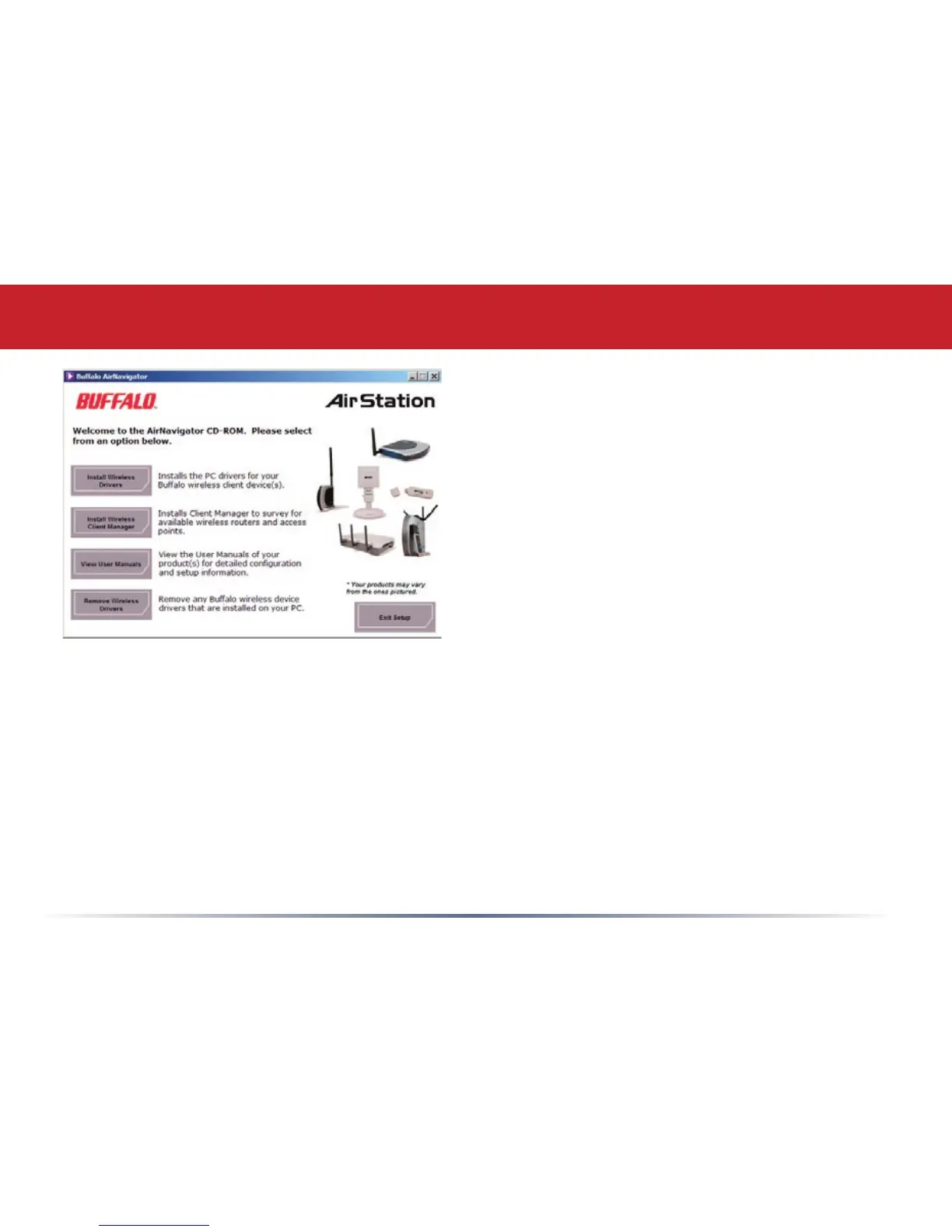
Install the Client Manager from your
AirNavigator CD (page 7) and turn to
page 10.
You may also use the Client Manager
software from your AirNavigator CD to
configure your network manually. See
page 15 for more on Client Manager.
If you’re running Windows XP on your
PC, you may use its built-in Zero
Configuration tool to connect to your
router/AP. See page 20 for more on
Zero Configuration.


 To Next Page