PAIRING
BLUETOOTH MODE
1. Long press and hold" "to turn speaker on;
2. Mini Diver ready to pairing, the Bluetooth LED indicator
will be flashing blue, Usually set the steps to enter the
"Settings" - > "Bluetooth" - > "Mini Diver";
3. Once paired successfully, the power indicator turns blue
and makes a prompt sound;
4. When incoming call,press " " button to answer, Hang
up, please press " " again .
Note:
(1). If the Bluetooth speaker is in low power or in weak
state, sometimes it may not be connected to the phone,
PC, IPAD or other devices. please charging immediately
before using.
(2). When the enable audio device is Bluetooth
connected, if it is exceeds the connection distance over
10M, the signal will be disconnected. when you closing
the speaker, it will automatically be reconnected.
6
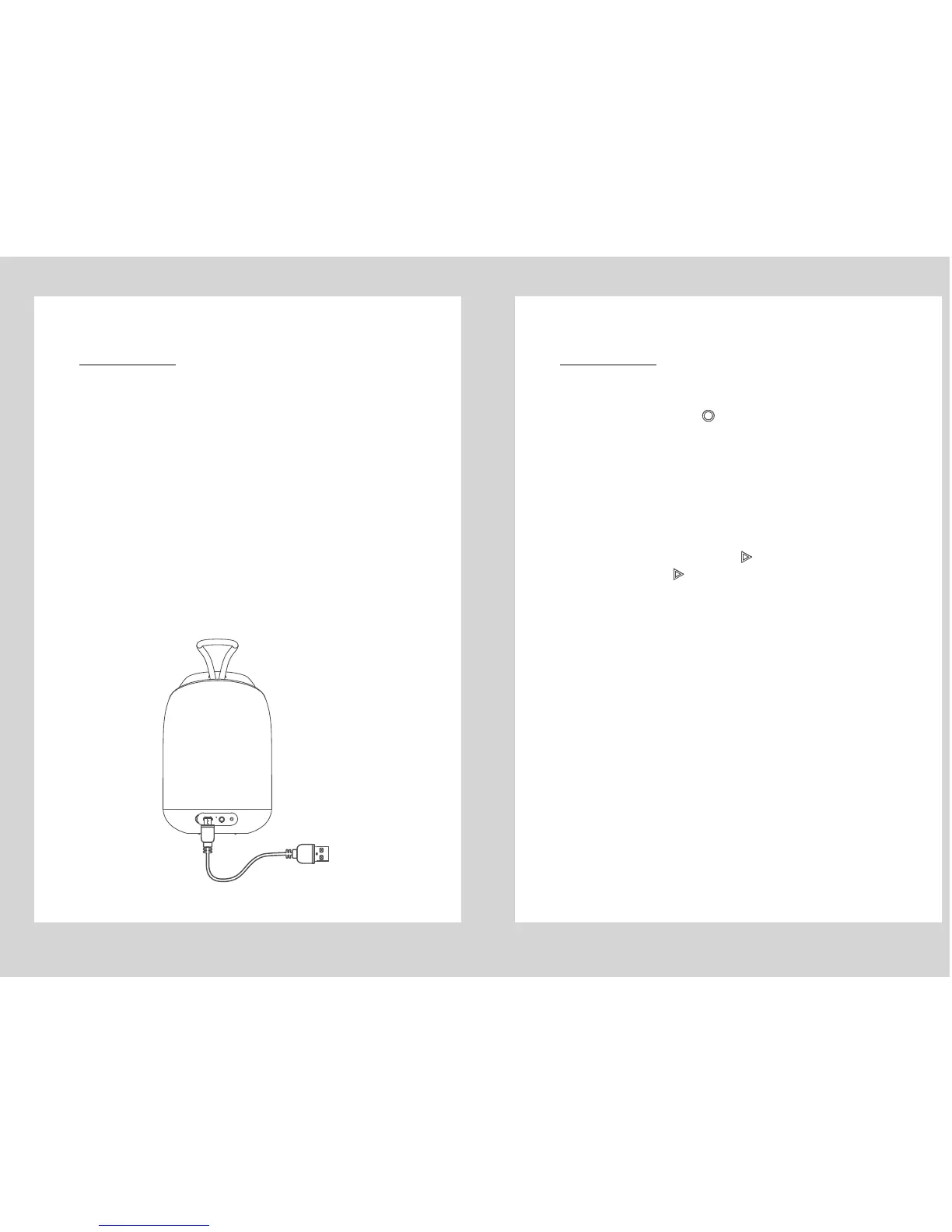
CHARGING BLUETOOTH SPEAKER
NOTE:
Before using Mini Diver, please use the micro USB cable
(included in the package) charging.
(1). The Bluetooth speaker must be turned off before
charging, to avoid making the Bluetooth speaker work
abnormal, please do not charge when the unit is power
on.
(2). Plug the small micro USB pin into the charger port on
the rear side of speaker, and the another end of the cable
(the standard USB 2.0 plug) into any standard USB port
(such as a computer or USB charger).
(3). The red LED will automatically turn on while it’s
charging, when fully the charged, the LED indicator light
will be turned off.
5



 To Next Page