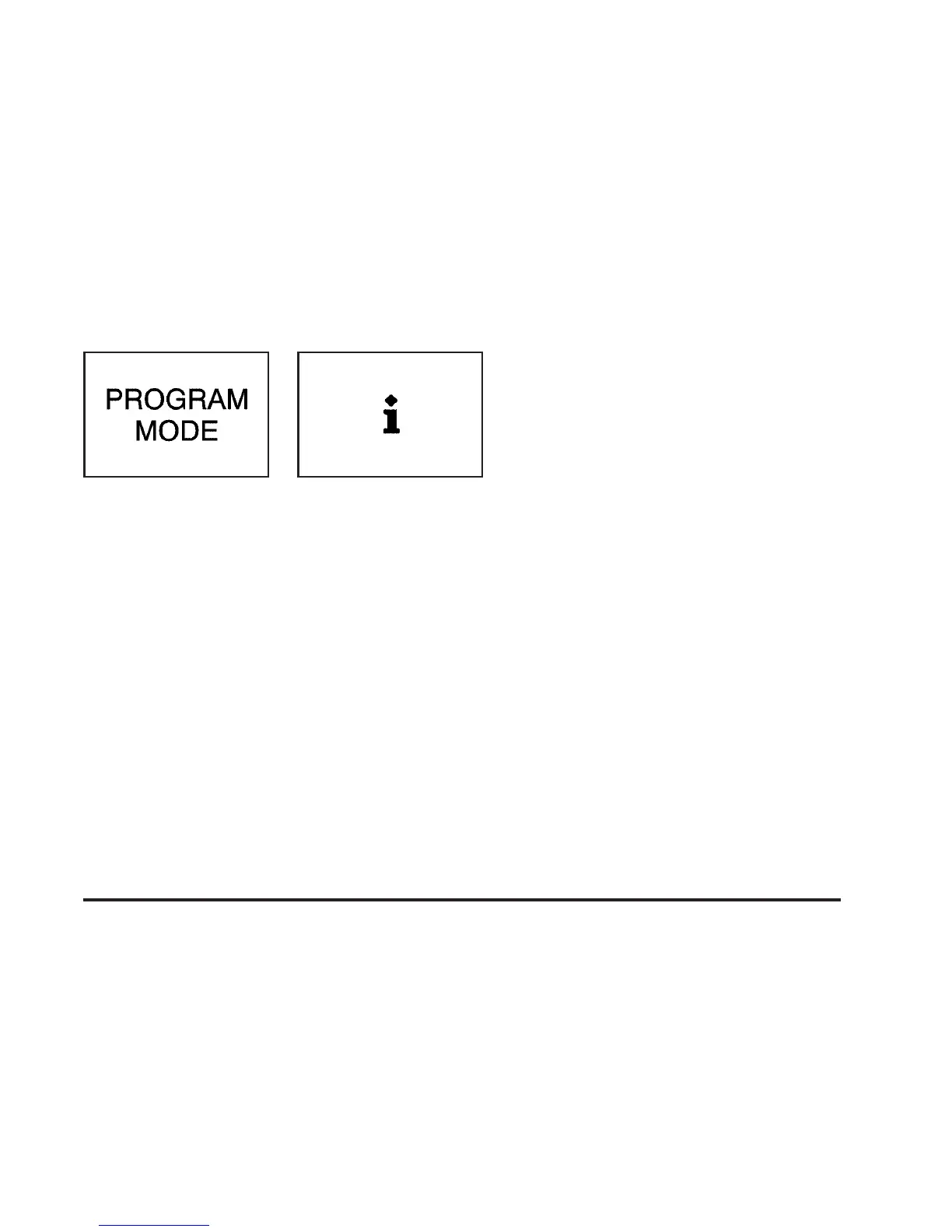
4. The program mode message will appear in the
message center as an indication that your vehicle
is ready to begin programming.
5. Follow the instructions given by the DIC.
Headlamp Exit Delay
This feature allows you to customize the headlamps and
parking lamps. This feature can be programmed to
one of the following modes:
OFF: The headlamps and parking lamps will not turn
on at the same instant that the ignition is turned to OFF.
15: The headlamps and parking lamps will stay on
for 15 seconds when the ignition is turned to OFF.
30: The headlamps and parking lamps will stay on for
30 seconds when the ignition is turned to OFF.
60: The headlamps and parking lamps will stay on for
60 seconds when the ignition is turned to OFF.
Your vehicle was originally programmed to 30 second
mode. The mode may have been changed since
then. To determine the current mode, or to change the
mode, do the following:
1. Follow the instructions for “Entering Programming
Mode” listed previously.
2. Press the MODE button until HEADLMP EXIT
DELAY appears in the DIC.
3. Press the SET button until the arrow is before the
mode you prefer.
The mode you selected is now set. You can either exit
programming mode by following the instructions
later in this section or program the next feature available
on your vehicle.
United States
Canada
3-67





 To Next Page