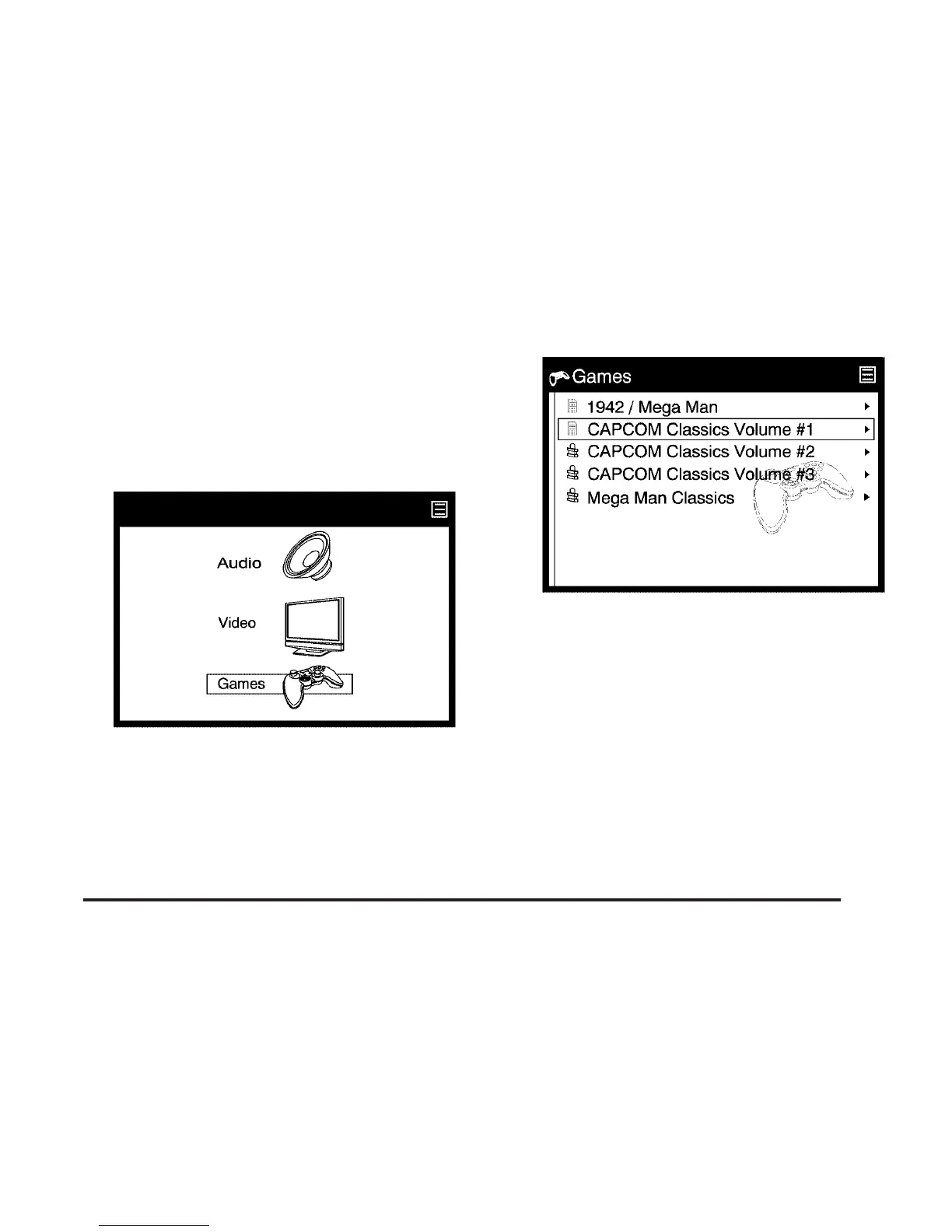
Games Browsing
Browse games that are stored on the system
through the menu display. Video games are
preloaded on the DMS cartridge and played with
rich screen graphics and the included wireless
game controller.
1. Select the Games option through the menu
system displayed on the video screen.
2. Press the up list or down list directional
arrows (A, D) on the remote control to
navigate through the preloaded game
packages. Game packages can be purchased
and unlocked from your desktop computer.
See the PhatNoise™ Media Manager Owner’s
Manual for more information on how to
unlock games.
333






 To Next Page