Infotainment System 27
Only jpeg, bmp, gif, and png files
are supported.
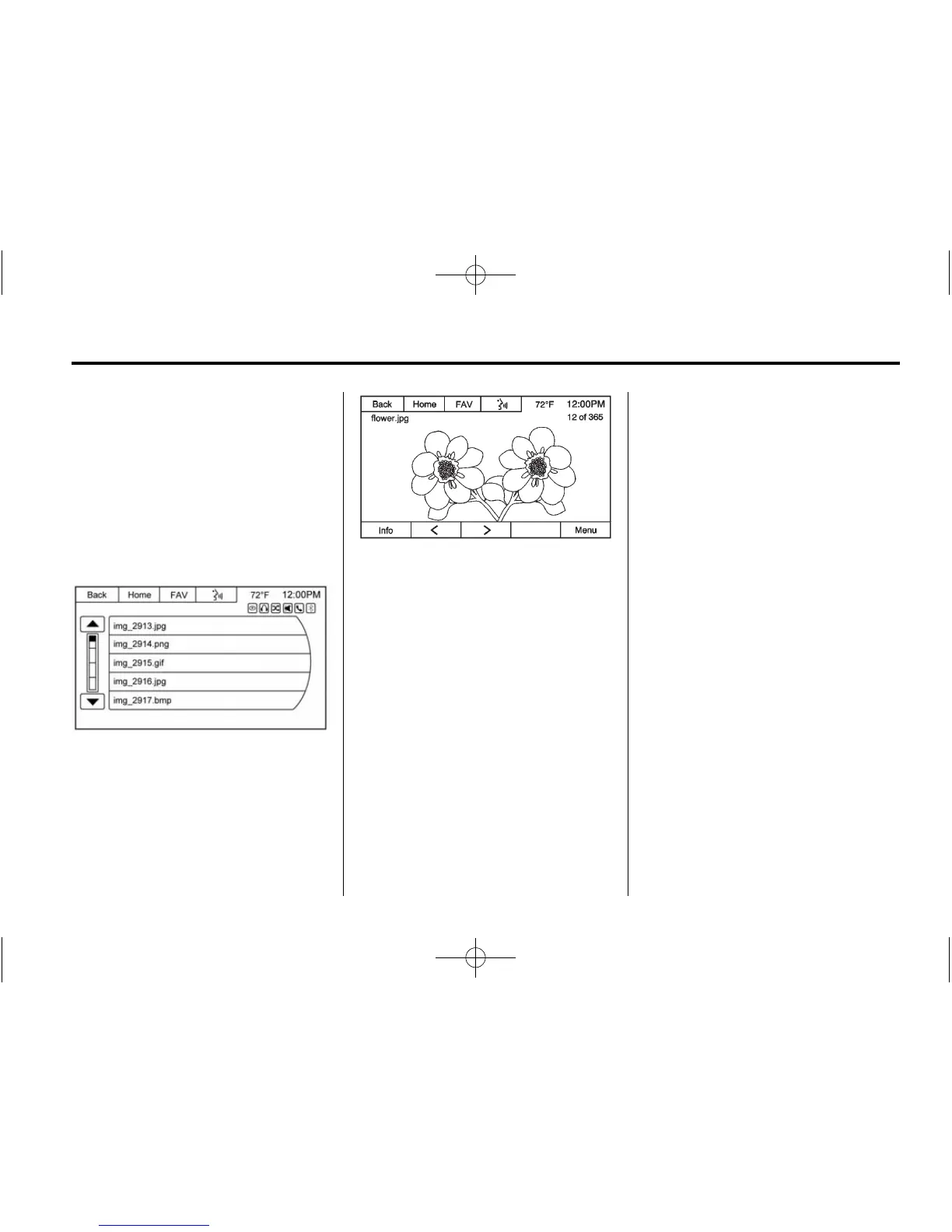
1. Press the Picture Viewer screen
icon on the Home Page.
2. The system does a search to
find the picture folders.
A “Please wait” message may
display until the search is
finished.
3. A list displays. Select a picture
to view.
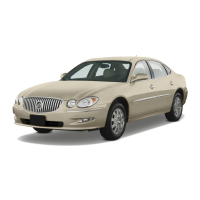
4. Once a picture displays, the
following options are available:
Info: Press to turn file name
information on or off.
S : Press to display the previous
picture.
T : Press to display the next
picture.
Menu: Press to open the Picture
Viewer Settings screen.
Select Picture Viewer Main to
display a list of all the pictures.
Select a picture to view.
If the displayed picture screen is not
used within six seconds, the upper
and lower bar options will disappear.
Touch-tap the screen to re-display
the upper and lower bar.












 To Next Page