Infotainment System 41
Audio Output
Audio from the DVD player or
auxiliary inputs can be heard
through the following sources:
.
Wireless headphones
.
Vehicle speakers
.
Vehicle-wired headphone jacks
on the RSA system, if equipped
The RSE system always transmits
the audio signal to the wireless
headphones, if there is audio
available. See “Headphones” earlier
in this section.
The DVD player is capable of
outputting audio to the wired
headphone jacks on the RSA
system, if equipped. The DVD
player can be selected as an audio
source on the RSA system. See
“Rear Seat Audio (RSA) System” in
the owner manual.
When a device is connected to the
A/V jacks or the radio's auxiliary
input jack, if equipped, the rear seat
passengers are able to hear audio
from the auxiliary device through the
wireless or wired headphones. The
front seat passengers are able to
listen to playback from this device
through the vehicle speakers by
selecting AUX as the source up
front on the radio.
Video Screen
The video screen is in the overhead
console. When the video screen is
not in use, push it up into its locked
position.
To use the video screen:
1. Press the release button on the
overhead console.
2. Move the screen to the desired
position.
If a DVD is playing and the screen
is raised to its locked position, the
screen remains on; this is normal,
and the DVD continues to play
through the previous audio source.
Press
P on the remote control or
eject the disc to turn off the screen.
The infrared receivers for the
wireless headphones and the
remote control are at the rear of the
overhead console.
{
Caution
Avoid directly touching the video
screen, as damage may occur.
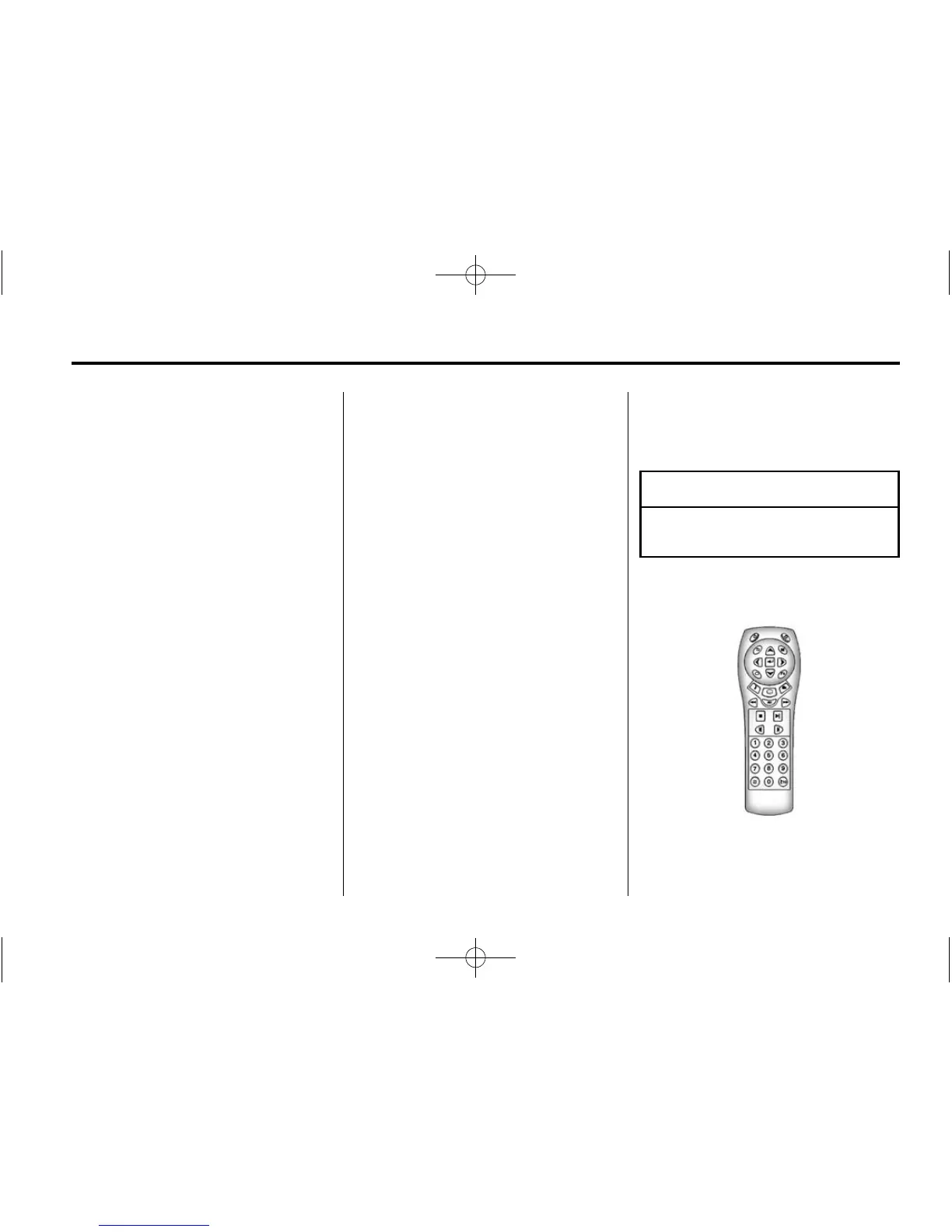
Remote Control
To use the remote control, aim it at
the transmitter window at the rear of
the overhead console and press the















 To Next Page