94 Infotainment System
.
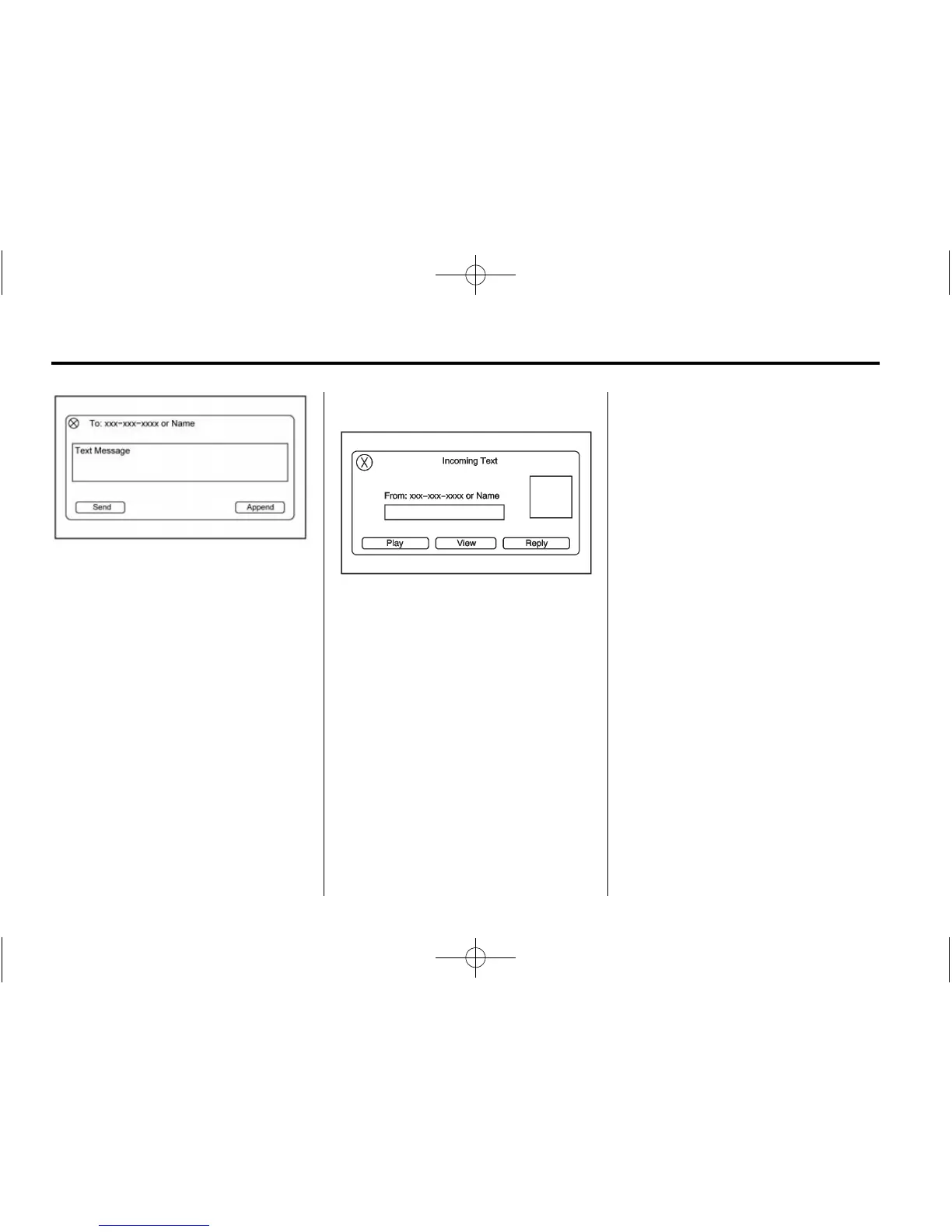
Press the Send screen button
from the forwarding confirmation
send screen or press Append to
add a predefined message to
the forwarded message.
.
Press the New Msg screen
button to create and send a new
message. A screen displays a
choice of selecting Contacts,
Call List, or Num Pad to help
you choose the desired number.
.
Select the number to send a
predefined message. From the
predefined message list, select
the message you want.
.
Press Send.
Incoming Text Messages
A pop-up screen is displayed when
there is an incoming text. The
pop-up will remain on the screen for
three minutes without interaction.
.
Press Play to hear the message
through voice recognition.
.
Press View to view the
message. Viewing is not
available while the vehicle is in
motion.
.
Press Reply to reply to the
message.
.
Press X to close the Incoming
Text pop-up screen.
Text Messaging Settings
Text Messaging settings are
available from the Settings Home
Page icon.
.
Select Text Message Options
from the Settings menu list.
.
Select Incoming Text Alert from
the Text Message Options menu
list to enable/disable the new
incoming message display
pop-up and alert sound.
.
Select Append Text Signature
from the Text Message Options
menu list to enable/disable the
vehicle signature appended to
messages sent from the radio
("Sent from my <Brand>
<Model>").












 To Next Page