Infotainment System 7-11
Submenus
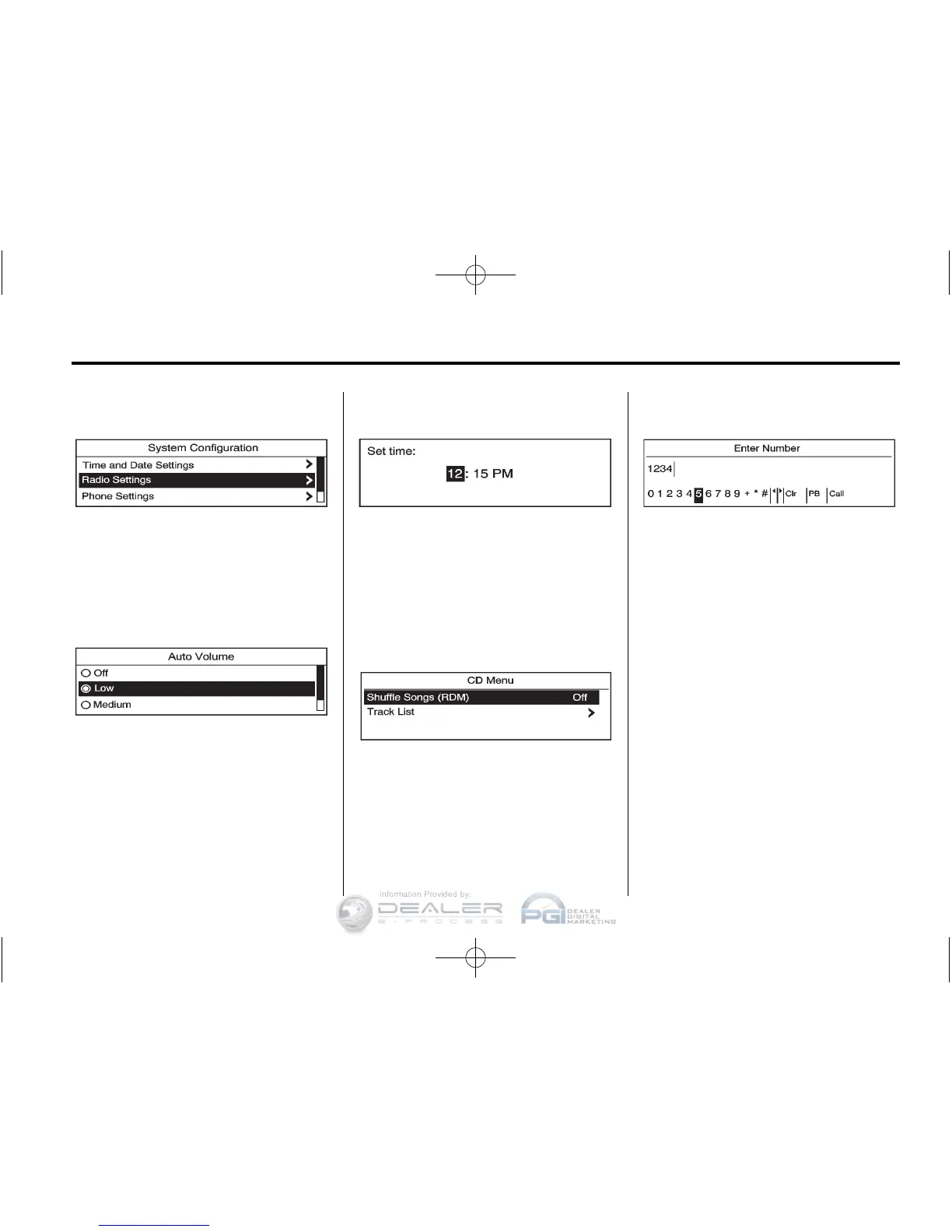
An arrow on the right‐hand edge of
the menu indicates that it has a
submenu with other options.
Activating a Setting
1. Turn the Menu knob to highlight
the setting.
2. Press SELECT to activate the
setting.
Setting a Value
1. Turn the Menu knob to change
the current value of the setting.
2. Press SELECT to confirm the
setting.
Turning a Function On or Off
1. Turn the Menu knob to highlight
the function.
2. Press SELECT to turn the
function on or off.
Entering a Character Sequence
1. Turn the Menu knob to highlight
the character.
2. Press SELECT to select the
character.
Press
/ BACK to delete the last
character in the sequence or press
and hold to delete the entire
character sequence.













 To Next Page