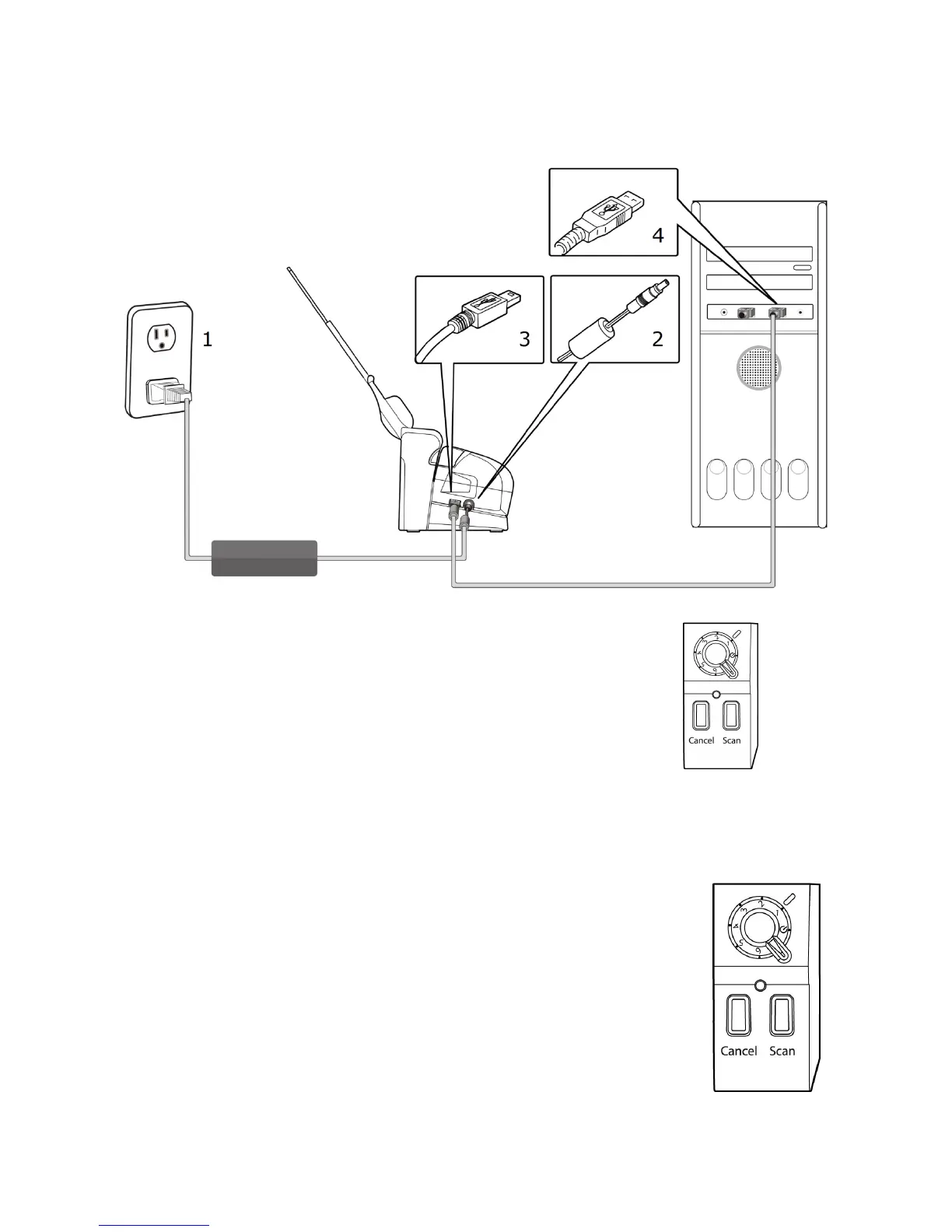
Connecting the scanner to your computer
Power on your scanner by turning the dial to 1
Windows will detect and finish installing the driver for your
scanner. The first time you scan, the scanner will automatically
perform calibration and color optimization.
This may take around a minute depending on your system.
Scanning from the ADF:
With the Scan Module docked, insert a stack of
documents top down into the
Pick the desired profile number on the dial
Press the Scan Button



 To Next Page