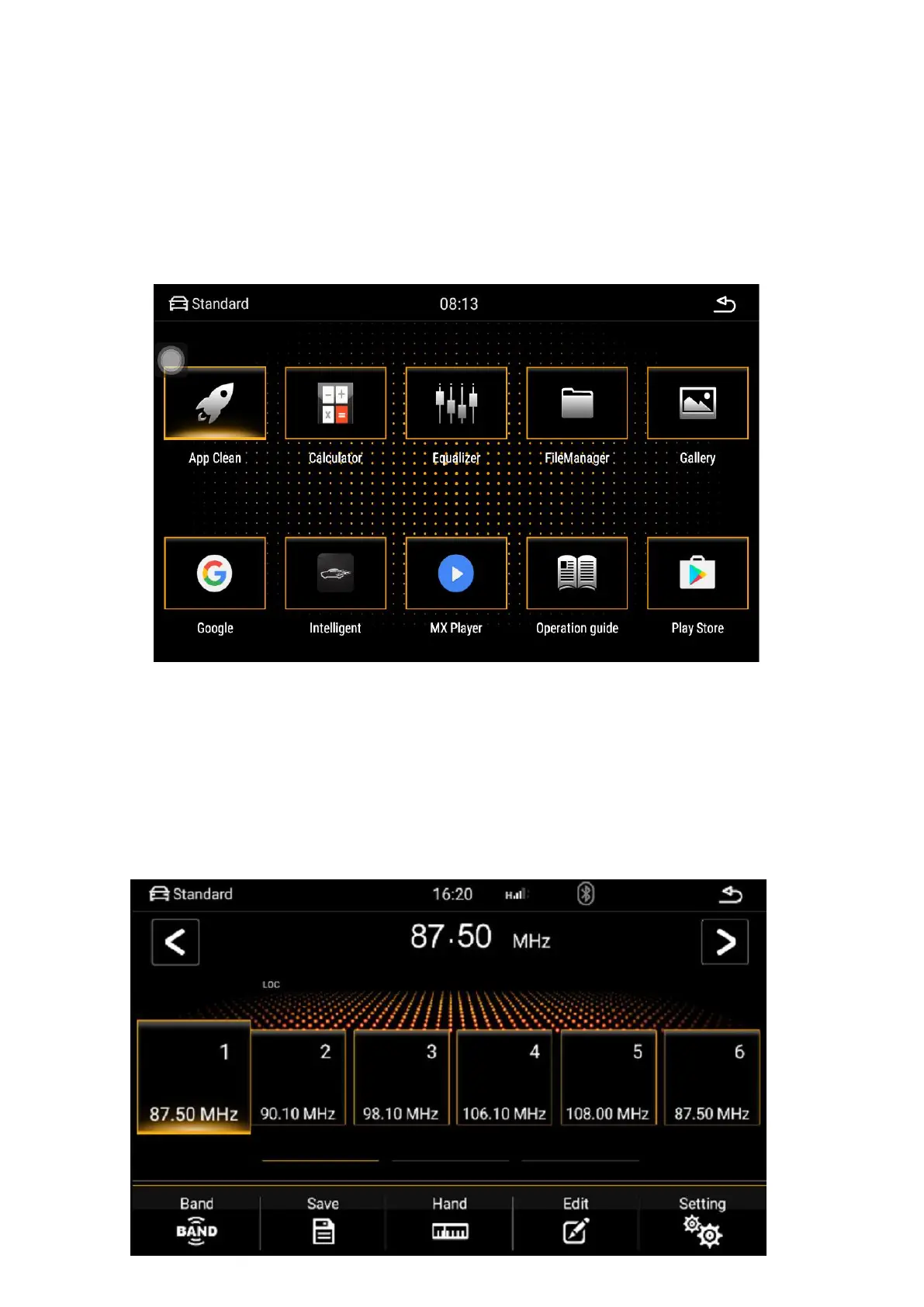
Main interface--application interface
Click the menu button to go to the application list interface. All the
applications installed on the car will be displayed here, and users can find
shortcuts to frequently used functions on this page, which is convenient for
operation.
Radio - radio interface
The radio can accept different broadcast program signals, users can
record their favorite broadcast channels to p1-p6, and support up to six
pre-stored radio stations. This makes it easy for users to quickly listen to
their favorite programs without searching.


 To Next Page