 Need help?
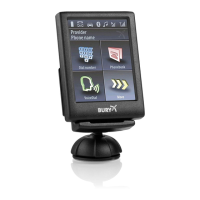
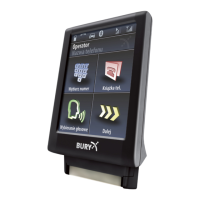
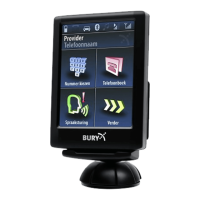
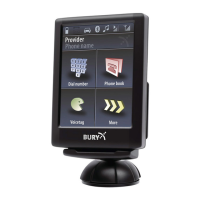
Do you have a question about the BURY Bluetooth Hands-Free Car Kit CC 9060 and is the answer not in the manual?
 General
| Brand | BURY |
|---|---|
| Model | Bluetooth Hands-Free Car Kit CC 9060 |
| Category | Automobile Accessories |
| Language | English |
Provides general information about the BURY hands-free car kit, its quality standards, warranty, and contact details.
Details safety instructions for installation, positioning, intended use, driving precautions, and fault handling.
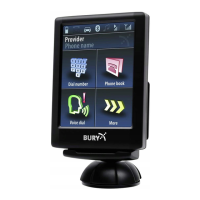
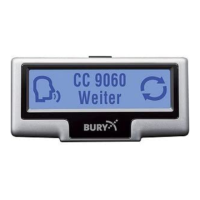
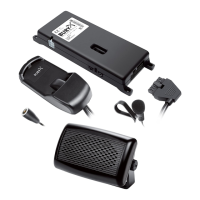
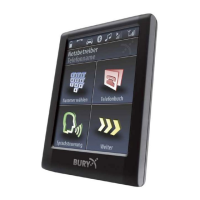
Lists and illustrates all components included in the CC 9060 hands-free car kit package.
Provides guidance on selecting optimal positions for components and mounting them securely in the vehicle.
Details how to connect the electronic box, microphone, and monitor to the system's main unit.
Explains the procedure for installing fuses safely when using the CC 9060 without the AC 5120 switchbox.
Guides the user through the installation process for the AC 5120 switching box, including connections.
Explains various ISO plug connections for the radio, crucial for proper system integration and preventing damage.
Covers the first-time power-on sequence, including language selection and basic activation.
Details the process for pairing a mobile phone with the hands-free car kit via Bluetooth.
Explains how to manage phone calls, including accepting, rejecting, ending, and adjusting volume.
Describes how to handle incoming calls during an active conversation, putting one on hold and switching.
Outlines the functionality for merging multiple calls to create a conference call with up to seven participants.
Introduces voice control for operating the system, including activating, deactivating, and using commands.
Lists and explains available voice commands for navigating menus and controlling functions.
Provides instructions on how to dial phone numbers using voice commands or the touch screen interface.
Explains how to access, manage, and use the phonebook contacts via voice commands or the touch screen.
Covers functions like Redial, Call list, and Messages for managing recent calls and text messages.
Details the various settings available for Bluetooth, Voice Dial, Audio, Display, and Device preferences.
Allows adjustment of audio parameters like DSP, speaker adaptation, ringtones, and volume levels.
Enables customization of display features such as sleep mode, illumination, day/night mode, and colour theme.
Covers device-specific settings, language options, and intuitive operation via the touch screen interface.
 To Next Page