During charging, the charging indicator will turn red, and it will turn off after fully charged.
6
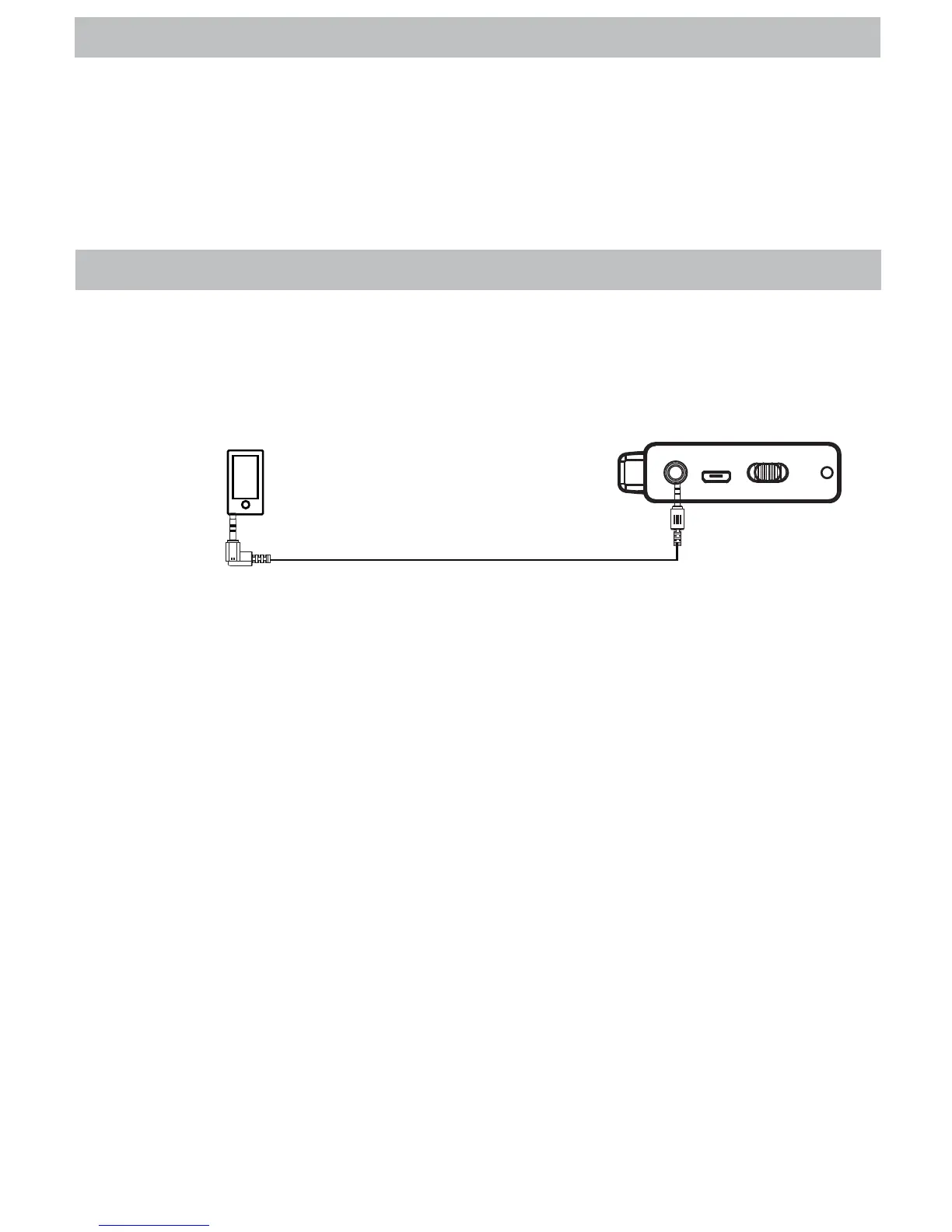
by the supplied Audio Connection Cable as the figure below:
Audio
Player
3. Power on the connected external player and start playback as usual.
2. Push the power switch to "ON" position to power on the unit.
Rear View of the Unit
BATTERY CHARGING
2.Connect the USB plug to a free USB port on a computer or a 5V USB AC adapter (not
supplied).
LINE IN OPERATION
1.Connect Micro-USB cable to DC-in Jack on rear panel.
1.Connect media player via 3.5mm Audio cable to the LINE IN jack on the rear panel of the unit
LINE IN
DC IN
ON OFF



 To Next Page