6
Mute function
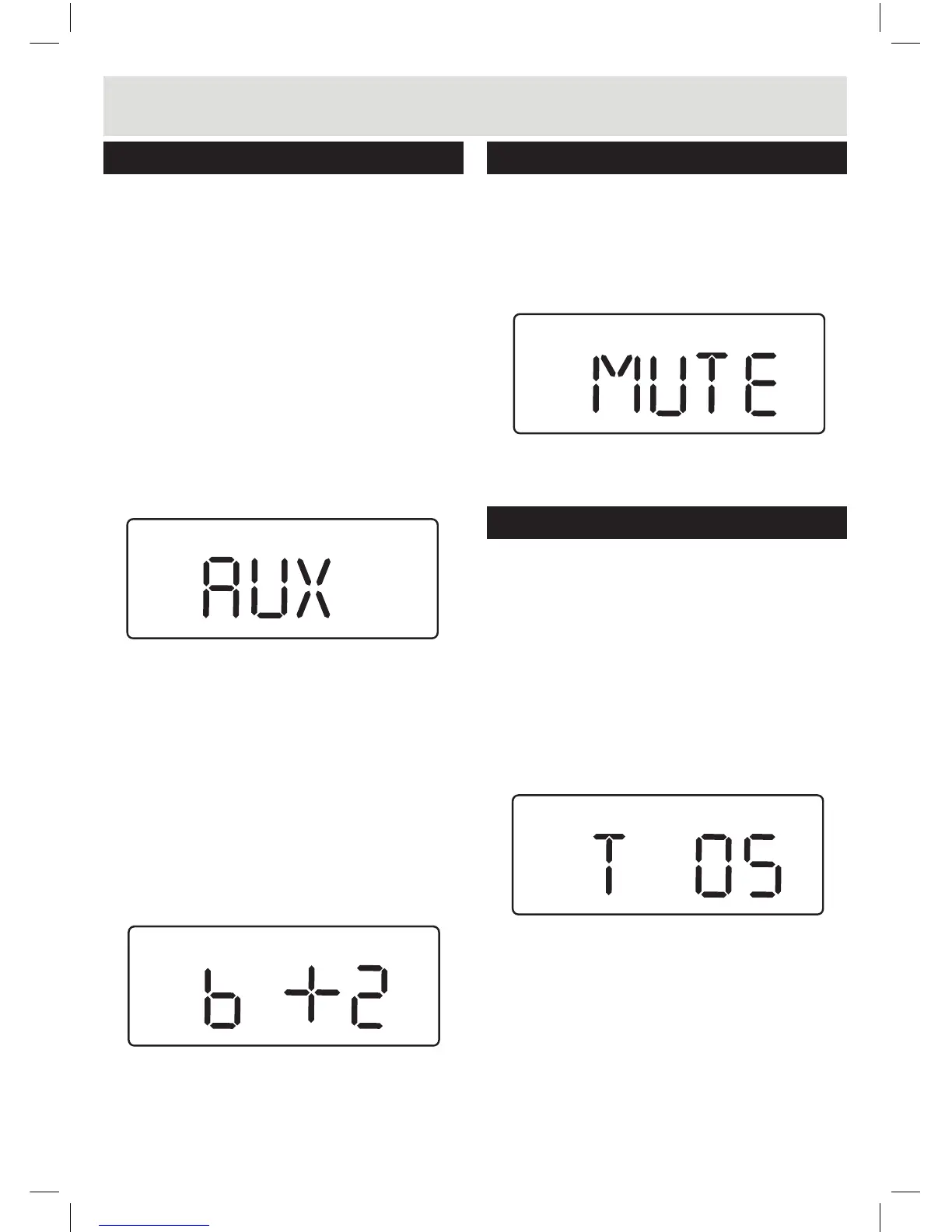
1. Pressing the MUTE button (17) on the remote will
temporarily silence the audio output. You will see
‘MUTE’ ash on the display to indicate the mute
function is active.
2. Press the MUTE button again to resume the
audio output.
Advanced operation
Sleep timer
The unit can be set to enter STANDBY mode after
a period of time. For example you may wish to fall
asleep while listening to your TV or a connected
MP3 player. Follow the below steps.
1. During playback mode of either TV or AUX
modes, press the SLEEP button (14) to enter the
timer settings.
2. Press the SLEEP button repeatedly to cycle
through the available time duration options of
:- 5, 10, 15, 30, 45, 60 & 90 minutes.
3. When you have selected the required timer
duration, just leave all buttons untouched for 2
seconds and the timer will begin the countdown.
4. When the timer elapses the STANDBY mode will
be activated.
Adjusting the display brightness
1. Press the DIM. button (13) repeatedly to cycle
through the 3 brightness states.
Adjusting the sound
MUSIC BASS
MUSIC BASS
User Instructions
FRONT
Adjusting the sound
Volume controls
1. To increase the volume level press the VOLUME
+ button (6 Unit or 16 Remote) repeatedly or
press and hold for fast adjustment.
2. To decrease the volume level press the VOLUME
- button (6 Unit or 16 Remote) repeatedly or
press and hold for fast adjustment.
Sound effect presets
1. During playback pressing SOUND EQ button
on the main unit (5) repeatedly cycles through the
available sound modes.
2. On the remote control each sound mode has a
separate button. Choose between :- STANDARD,
MOVIE, MUSIC or NEWS.
3. As you select a sound mode the corresponding
name appears on the display to indicate that
sound mode is active.
NOTE: the STANDARD sound mode when
selected does not show an icon on the display.
Bass enhancement
1. During playback pressing the BOOST button (15)
repeatedly cycles through the available BASS
modes 0-3. The higher the number the higher the
bass boost.
MUSIC NEWSMOVIE
MUSIC BASS



 To Next Page