5 6
Handfree phone answering
PREVIOUS SONG/VOL- button (1)
2. Press PREVIOUS SONG button (1) once to play previous song or hold to
lower down the sound volume. (Fig. 5)
Fig. 5
NEXT SONG/VOL+ button (3)
3. Press NEXT SONG button (3) once to play next song or hold to raise up the
sound volume. (Fig. 6) A sound signal will be played when the volume
reaches its maximum level.
Fig. 6
PLAY/PAUSE/PHONE button (2)
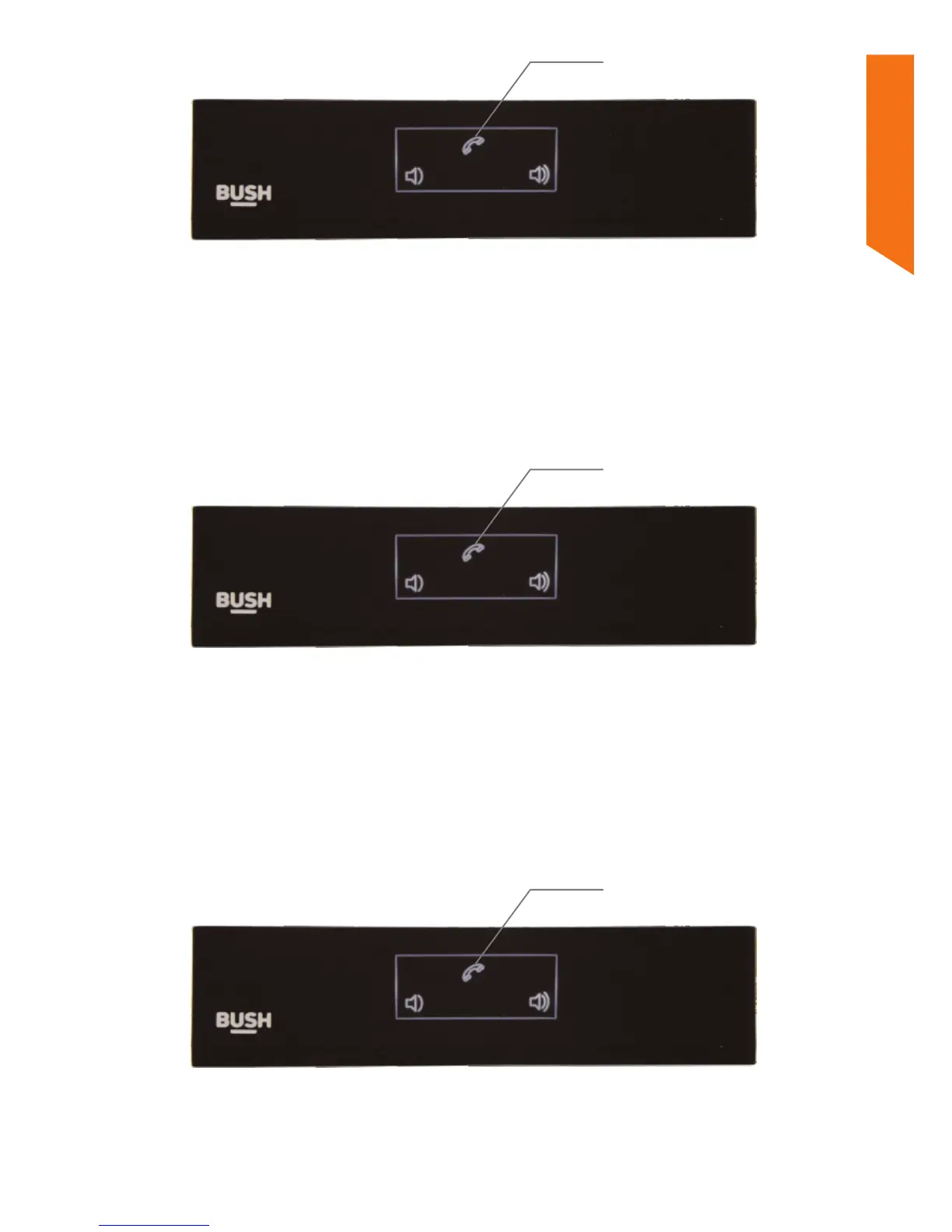
1. When a phone call is coming, a sound signal will be played. Press PHONE
button (2) once to pick up the call. (Fig. 7)
2. Talk towards your smart phone.
3. When the call is finished, press PHONE button (2) once again to hang up the
call.
1
3
2
Fig. 7
Drop a phone call
PLAY/PAUSE/PHONE button (2)
1. When a phone call is coming, but you don’t want to pick up, press and hold
PHONE button (2) for 1 second to drop the call. (Fig. 8)
2
Fig. 8
Hold for 1 second
Redial last call
PLAY/PAUSE/PHONE button (2)
1. Press twice continuously the PHONE button (2) to redial the last call. (Fig.
9)
2
Fig. 9
Press twice



 To Next Page