Reset
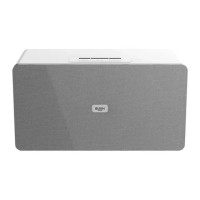
You can reset your Bluetooth Speaker with Wi-Fi back to the factory default settings.
Note: If you reset your product, your connection to your WiFi internet router and
bluetooth devices will be deleted.
1. With your product switched on (not in Standby mode). Long press the ‘Reset’ button
on the back of the product for 3 seconds.
2. The LED ring on the speaker will be red, continuously on. Please wait whilst for 30
seconds for your product to initialise.
3. After initialisation, the LED will flash red whilst the speaker searches for Wi-Fi devices.
4. Please follow the steps for Wi-Fi initial set up on page 16.



 To Next Page