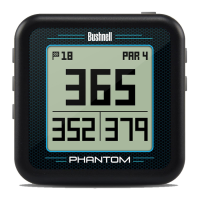
A full user manual detailing the additional features of the Phantom and additional product
information can be downloaded at: www.bushnellgolf.com
BEFORE USE: Fully charge the battery by connecting the provided USB charge cable to your
phone charger or PC.
The Bushnell Golf App is included with purchase of the Phantom. The Bushnell Golf App provides
you with the ability to update courses wirelessly via Bluetooth to your Smartphone, and gives you
full color aerial views and flyovers with distances, scorekeeping and tee time booking features.
Download the “Bushnell Golf” App from the Apple App Store or Google Play Store.
• Select “Join Now” (or “Sign In” if you already have an existing Bushnell Golf account).
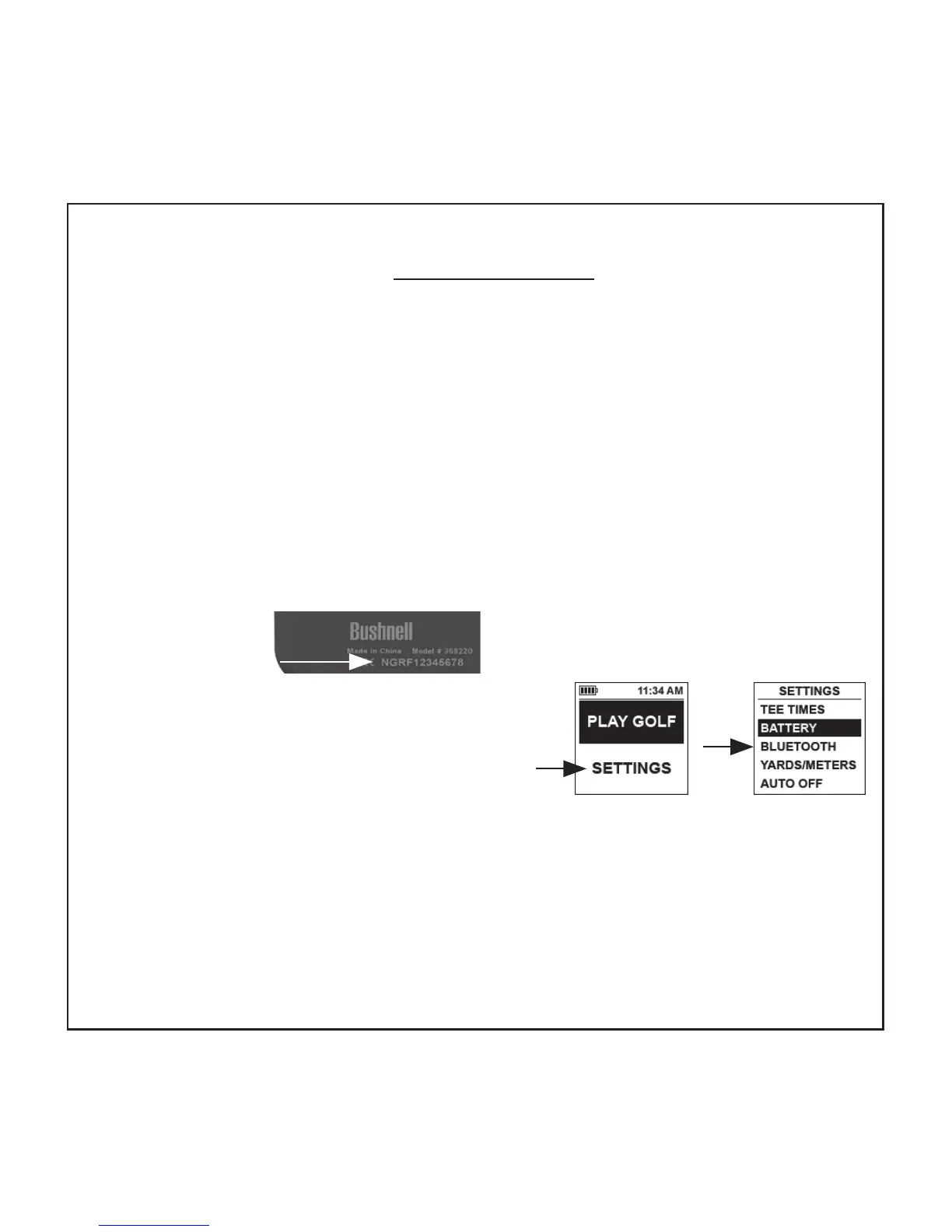
• You will need to enter the serial # located on the back of your Phantom to complete signing up.
To Sync/Pair the device with the App:
• Select “SETTINGS” from the Phantom’s main menu
• Select “BLUETOOTH” and select “ON”
• On your phone, select “My Device”. Enter the six digit code displayed on the Phantom into
your phone.
• Select “Sync your device”
To conserve battery life on your Phantom, turn Bluetooth o while using it.
Product ID (serial #)


 To Next Page