EasyManua.ls Logo

Butterfly Amicus Expert - User Manual

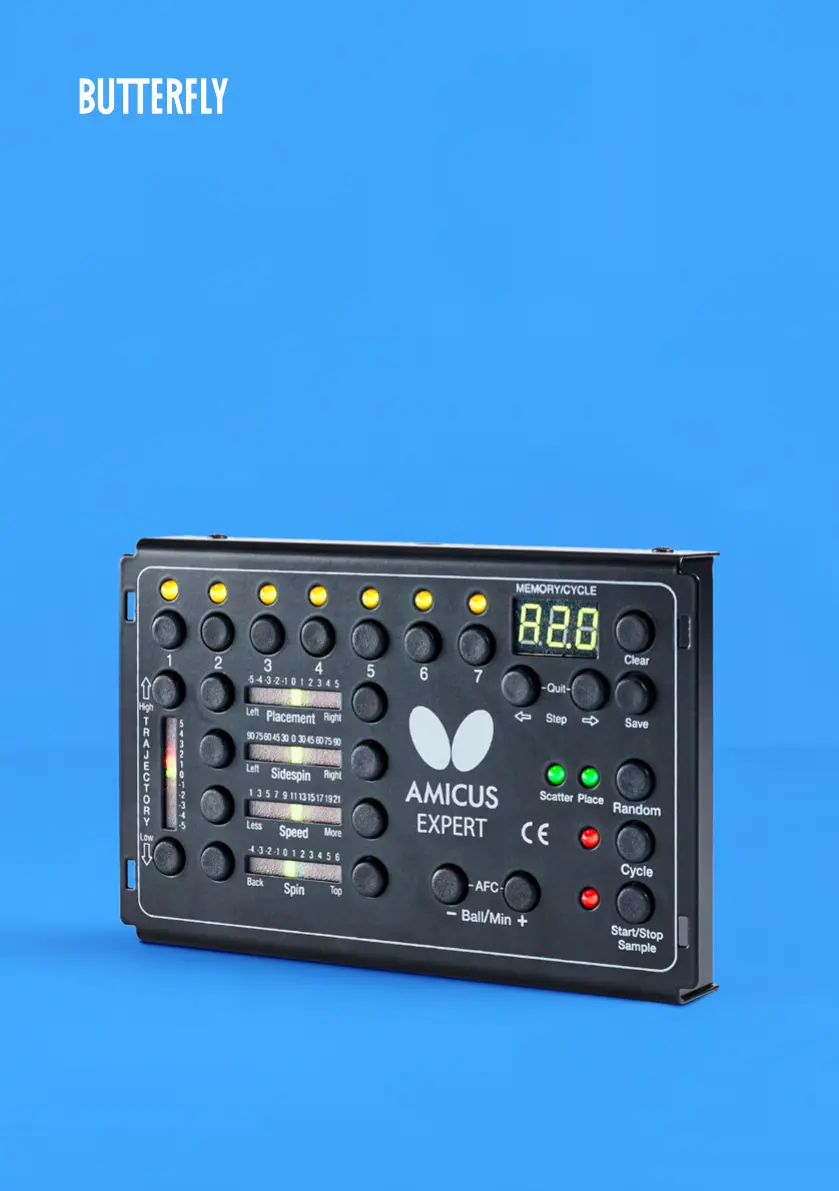
Butterfly Amicus Expert
80 pages
Print Icon
To Next Page IconTo Next Page
Loading...
1
AMICUS
EXPERT
Table Tennis Robot
Owner’s Manual | Bedienungsanleitung | Manuel d’utilisation

Table of Contents

Questions and Answers

Summary

1. SETUP

2. CONTROL PANEL

3. OPERATION

ADJUSTMENT OF HEAD HEIGHT

Explains how to adjust the robot's head height to simulate realistic play and avoid jams.

ONE BALL TYPE THROWN TO ONE PLACEMENT

Details how to select and adjust a single ball's trajectory, spin, speed, and placement for basic training.

ONE BALL TYPE THROWN TO 2 OR MORE PLACEMENTS

Instructs on setting up exercises with multiple shots to different locations, including testing individual balls.

MEMORY MODE

Explains how to save, clear, and manage custom exercises in the robot's memory for easy recall and reuse.

SAVING AN EXERCISE AND CLEARING A MEMORY POSITION

Guides on preserving created exercises in memory and freeing up positions by clearing old ones.

CALIBRATION

THE REMOTE SWITCH

4. MAINTENANCE & REPAIR

BALL JAMS

Describes how the robot detects and attempts to clear ball jams, and what to do if an error code is displayed.

5. TROUBLESHOOTING

Butterfly Amicus Expert Specifications

General IconGeneral
CategoryTable Tennis Robot
BrandButterfly
ModelAmicus Expert
SpinTopspin, backspin, sidespin, no-spin
FrequencyUp to 120 balls per minute
Power SupplyAC Adapter
TrajectoryAdjustable
OscillationYes, with adjustable range and speed
ControlRemote control and mobile app
ProgramsMultiple training programs