CD5 USB Driver Installation and Setup
17
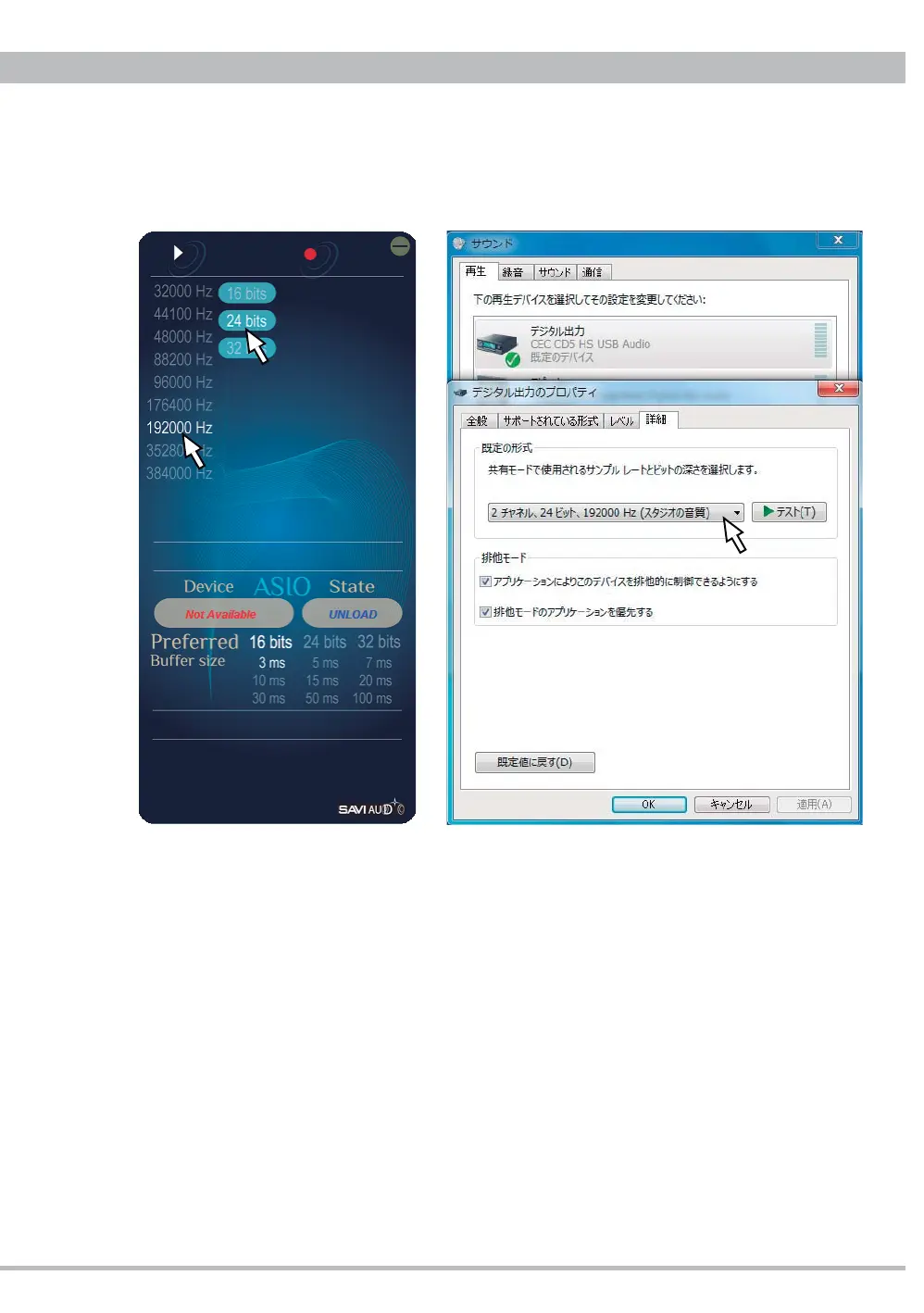
3. Changing the sample rate and bits per sample on BRAVO-HD control panel the Windows
system setting on "sound - digital output property" will change accordingly, and vice versa.
Note: Setting 352.8kHz or 384kHz the sound from ex. an internet browser may be unstable
and noisy. In that case set the sample rate 192kHz or lower and restart.



 To Next Page