Need help?
Do you have a question about the CAB SHADE and is the answer not in the manual?
Guidelines for correct product use, installer qualifications, and manual importance.
Covers general warnings, safety devices, electrical installation, and wiring rules.
Instructions for proper disposal of the product as per environmental regulations.
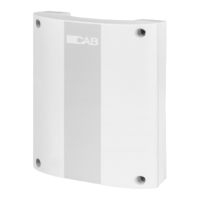
Explains the control unit's function and lists compatible accessories.
Details terminal functions, sensor inputs, motor/auxiliary outputs, and fuses.
Defines operational modes for DIP switches 1 through 4.
Instructions for correctly applying the seal to ensure IP protection.
Introduces management of sun, wind, and rain sensors and alarm thresholds.
Describes specific actions for wind, sun, and rain sensor activations.
Covers Person Present mode, memorising operation time, and radio receiver functions.
Guides on assigning functions (Open, Close, Aux) to remote buttons.
Details procedures for cancelling radio memory and resetting settings.
Explains how to program new transmitters remotely.
Lists power supply, motor ratings, protection level, and operating temperature.
Details radio receiver frequency and the number of storable codes.
 General
| Brand | CAB |
|---|---|
| Model | SHADE |
| Category | Control Unit |
| Language | English |

 To Next Page