EasyManua.ls Logo

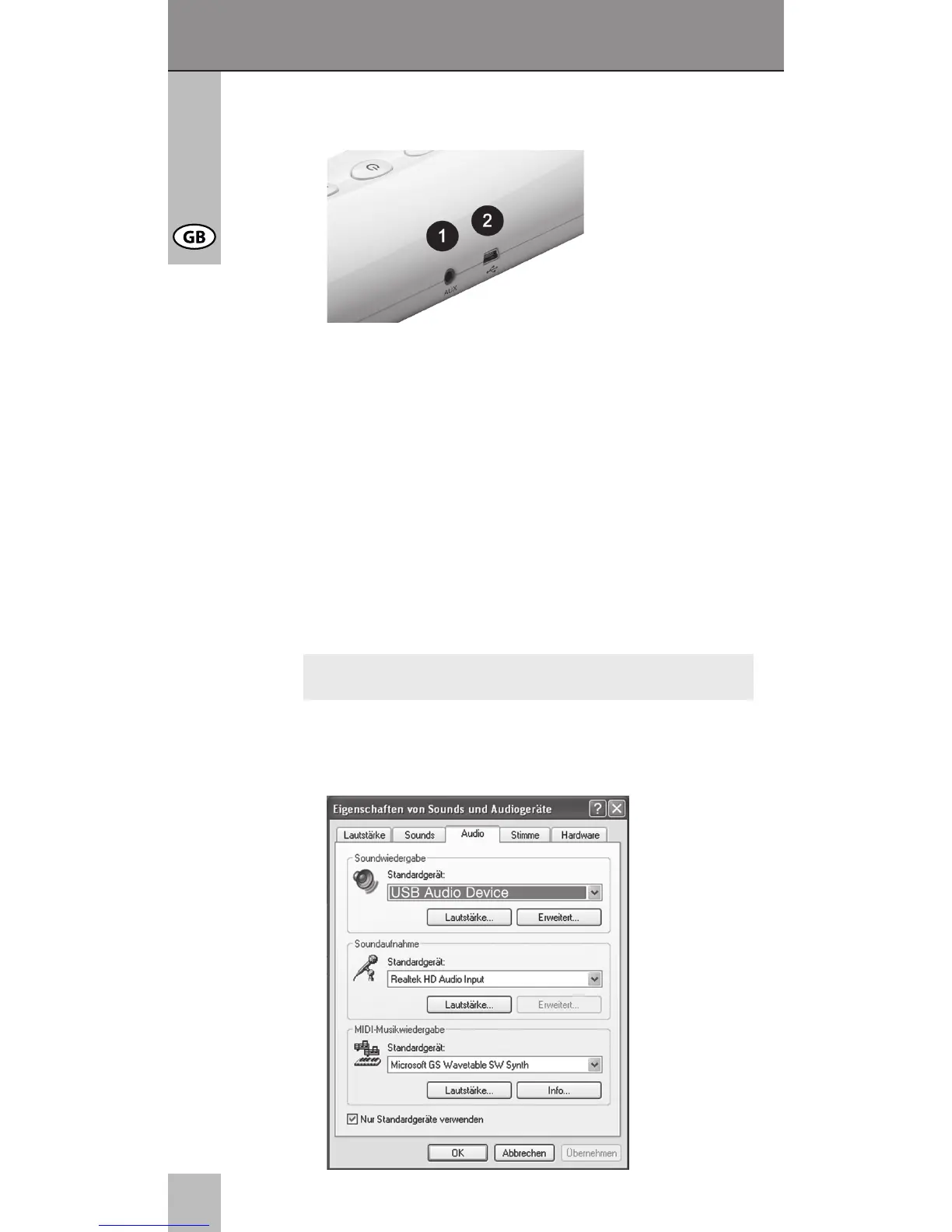
cabstone 95041 - Connecting; AUX-IN Connection Socket; USB-IN Connection Socket; Installing

cabstone 95041
Print Icon
To Next Page IconTo Next Page
To Previous Page IconTo Previous Page
Loading...
10
User‘s manual
5 CONNECTING


Select one of the following connections
- USB cable,

It might be possible, that some USB charging sockets are not
able to transmit audio data.
6 INSTALLING

When the device does not work by plug and play,
select “USB Audio Device“ in system control mode.

NOTE

Table of Contents