36 Specifications subject to change without notice. OM-KSACN0801-01
Remote Control Mode Setting for the Wired Controller
1.
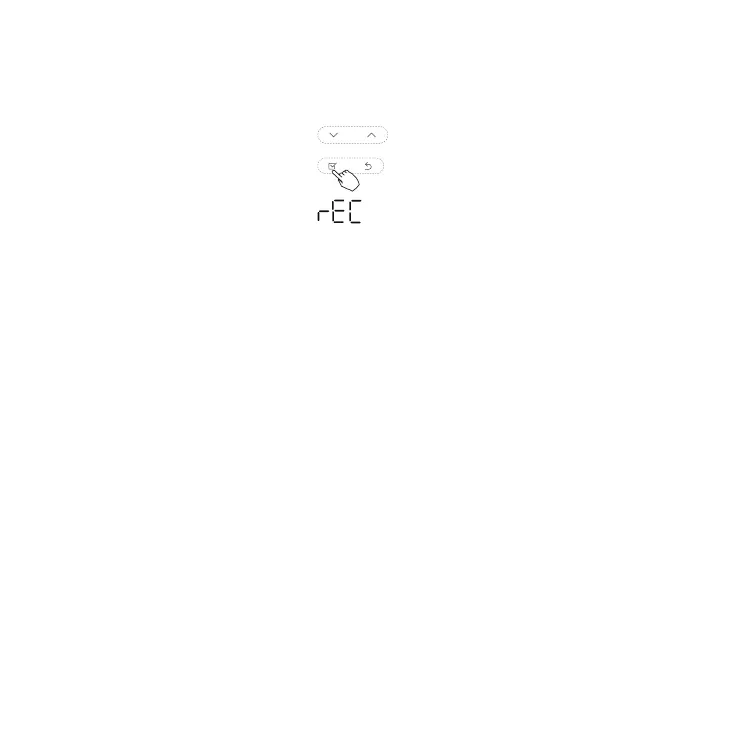
When the air conditioning unit is
OFF
and in
QUERY
mode
, press the
UP or DOWN
arrow
to select
rEC
.
Fig. 84 — UP or DOWN Arrow - Select rEC
2. Press CONFIRM to enter the mode setting.
3. Press UP or DOWN arrow to select the remote control mode ON or OFF (OF).
4. Press CONFIRM.
NOTE: ON or OFF (OF) appears in the temperature area to indicate the remote control mode.
When the selection is OFF (OF), the wire controller does not process any remote control signals.


 To Next Page