OM-KSACN0801-01 Specifications subject to change without notice. 37
Restore Factory Settings
1.
When the air conditioning unit is
OFF
and in
QUERY
mode
, press the
UP or DOWN
arrow
to select
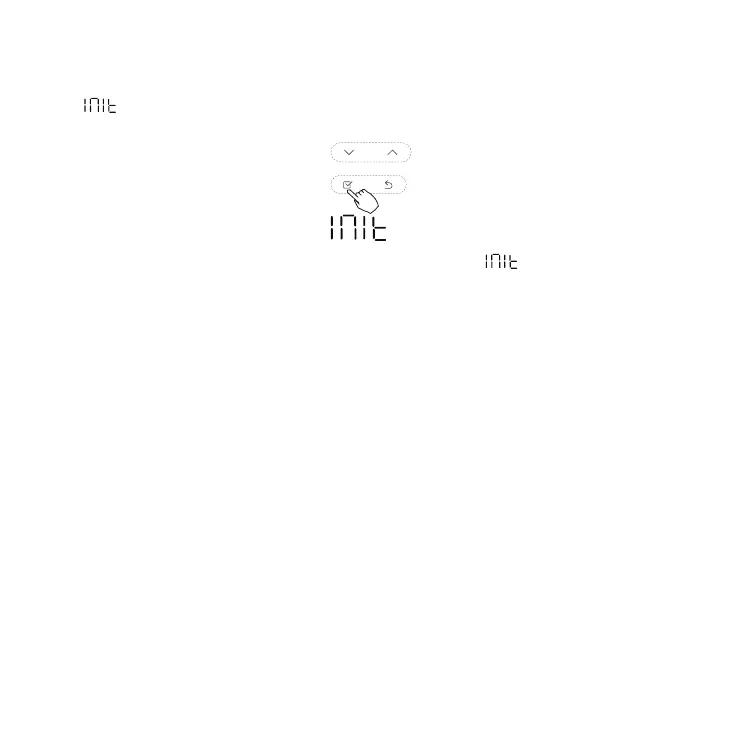
, the temperature zone appears --.
Fig. 85 — UP or DOWN Arrows - Select
2. Press CONFIRM to enter the setting.
3. Press the
UP or DOWN
arrow
to select ON.
4. Press CONFIRM.
NOTE: All the Wired Controller's settings are restored to the factory default settings.


 To Next Page