5-4 Stereo input module 8412
S-Type Revision S2005-6
)URQW#SDQ HO#VWHUHR#LQ SXW#F KDQQHO#P R GXO H#;745
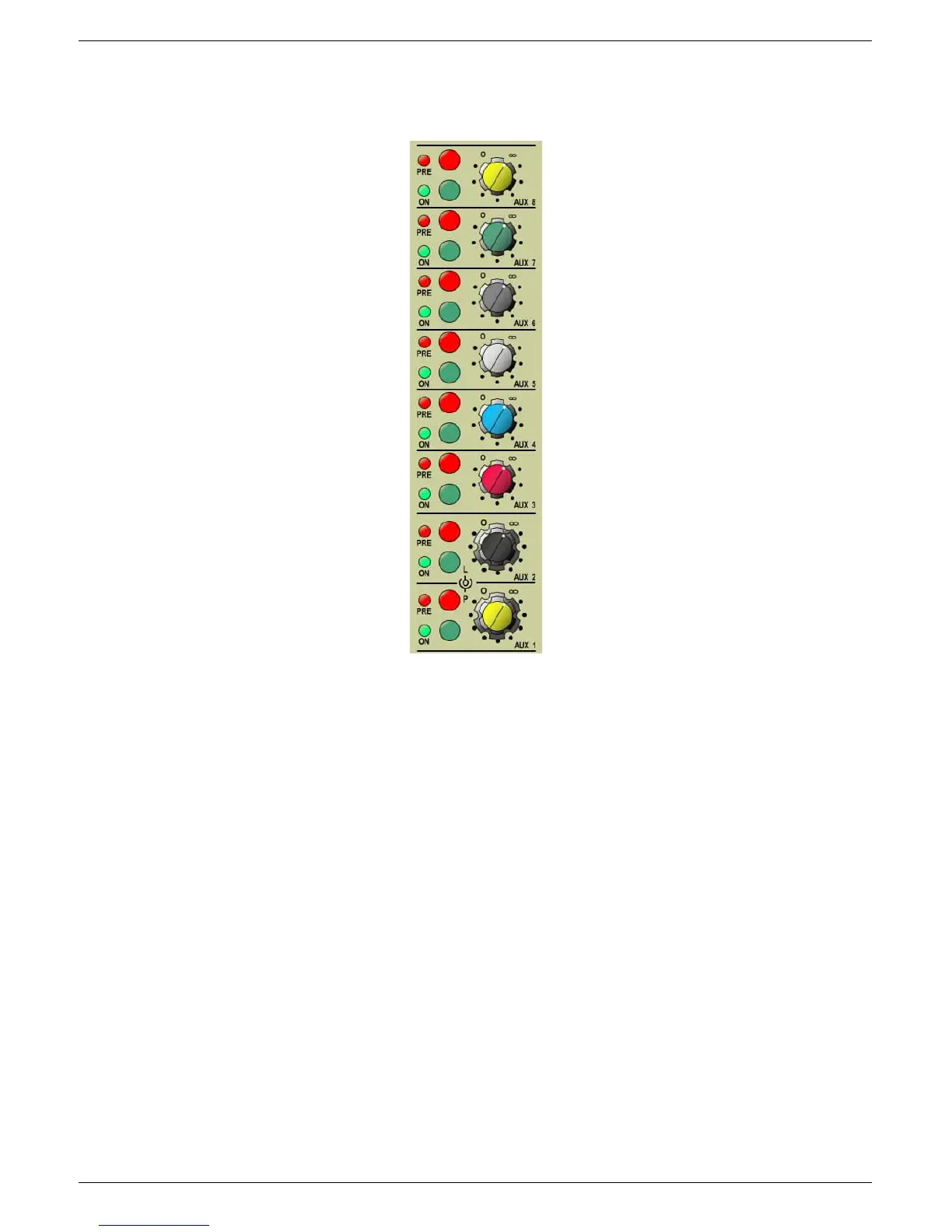
814145 35(#0#3UH2SRVW#IDGHU
Press the PRE button to route the selected Auxiliary send pre-fader; the adjacent
LED indicates when pre-fader mode is active.
814146 21#0#$X[LOLDU\#VHQG#2Q22II
Press the appropriate Auxiliary send ON button to route the signal to one of the Aux-
iliary busses; the LED will illuminate when the Auxiliary send is ON.
814147 $X[LOLDU\#VHQG#OHYHO#FRQWURO
Use this rotary concentric control to adjust the level of the Auxiliary send.
814148 6WHUHR#$X[LOLDU\#VHQG#5#/(9(/#DQG#3$1#FRQWURO
Adjusts the level (upper control) and PAN (lower control) of stereo auxiliary send 2.
814149 6WHUHR#$X[LOLDU\#VHQG#4#/(9(/#DQG#3$1#FRQWURO
Adjusts the level (upper control) and PAN (lower control) of Stereo Auxiliary send 1.
5.1.14 Aux send level control
5.1.15 Send level/pan control Aux 2
5.1.16 Send level/pan control Aux 1
5.1.12 Pre fader button with LED
5.1.13 Aux send ON-button with LED


 To Next Page
 Loading...