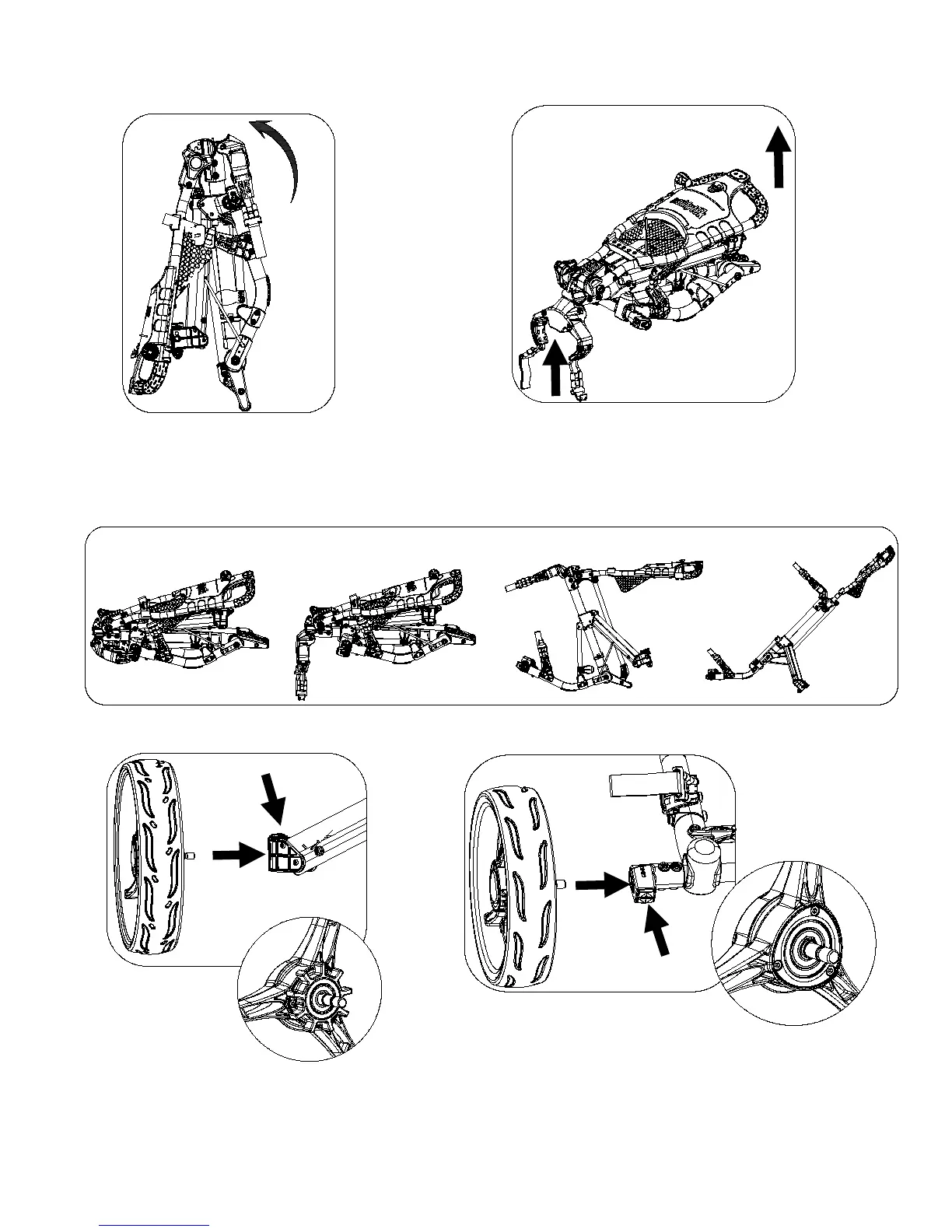
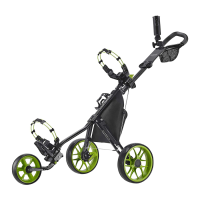
Lift the upper bag bracket
Simply pull the handle and upper bag bracket
as shown in Fig. 2 to extend the cart. (Shake
the cart slightly to release the main frame
from the holding slot if necessary.)
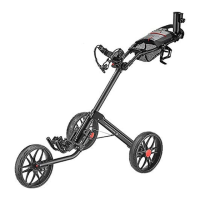
Press the red bottom on the leg
frame and insert the wheels as
shown in Fig. 3 to install the
rear wheels.
Fig. 1
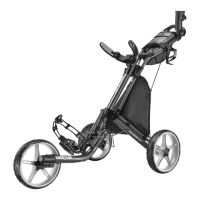
Press the red bottom on the
front wheel axel and insert the
wheels as shown in Fig. 4 to
install the front wheels.


 To Next Page