Infotainment System 49
To store the current final destination
as a preset destination:
1. Press the Mark screen button
from the map screen to add the
current final destination. The
Address Book screen will
appear.
2. Press the Name screen button.
An alpha-keyboard will display.
Enter the name.
3. Press and hold one of the
buttons at the bottom of the
screen until a pop-up
confirmation displays.
The name will appear in that
preset destination screen button
and is now available to select
from the Destination Entry
screen.
To store an address book entry as a
preset destination:
1. Press the MENU control button.
2. Press the Nav screen button or
press the MENU control button
until the Nav screen button is
selected or press the Nav
screen button.
3. Press the Edit/View screen
button.
4. Select the address book entry
that you would like to store as
the preset destination. Press the
Name screen button to add a
name, if needed.
5. Press and hold one of the
buttons at the bottom of the
screen until a pop-up
confirmation displays.
The name will appear in the that
preset destination screen button
and is now available to select
from the Destination Entry
screen.
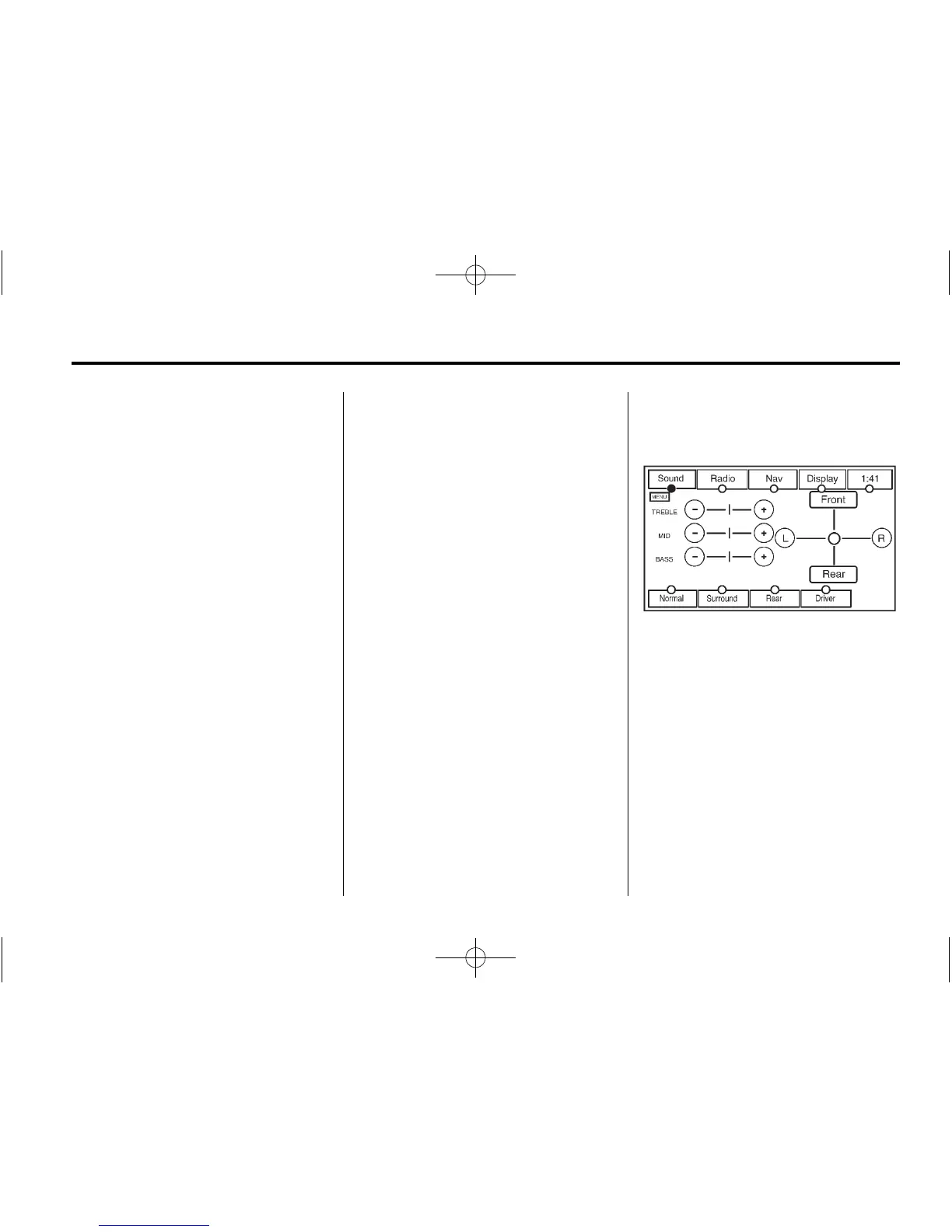
Configure Menu
Press the MENU control button to
adjust several of your system's
features and preferences. The last
selected menu screen will be the
screen that displays; Sound, Radio,
Nav (navigation), Display or Time.












 To Next Page