Your Cagic Digital Photo Frame brings
your digital photos out of your camera
and into your living room. You can keep
up to 10,000 photos in your frame and
make them part of your home.
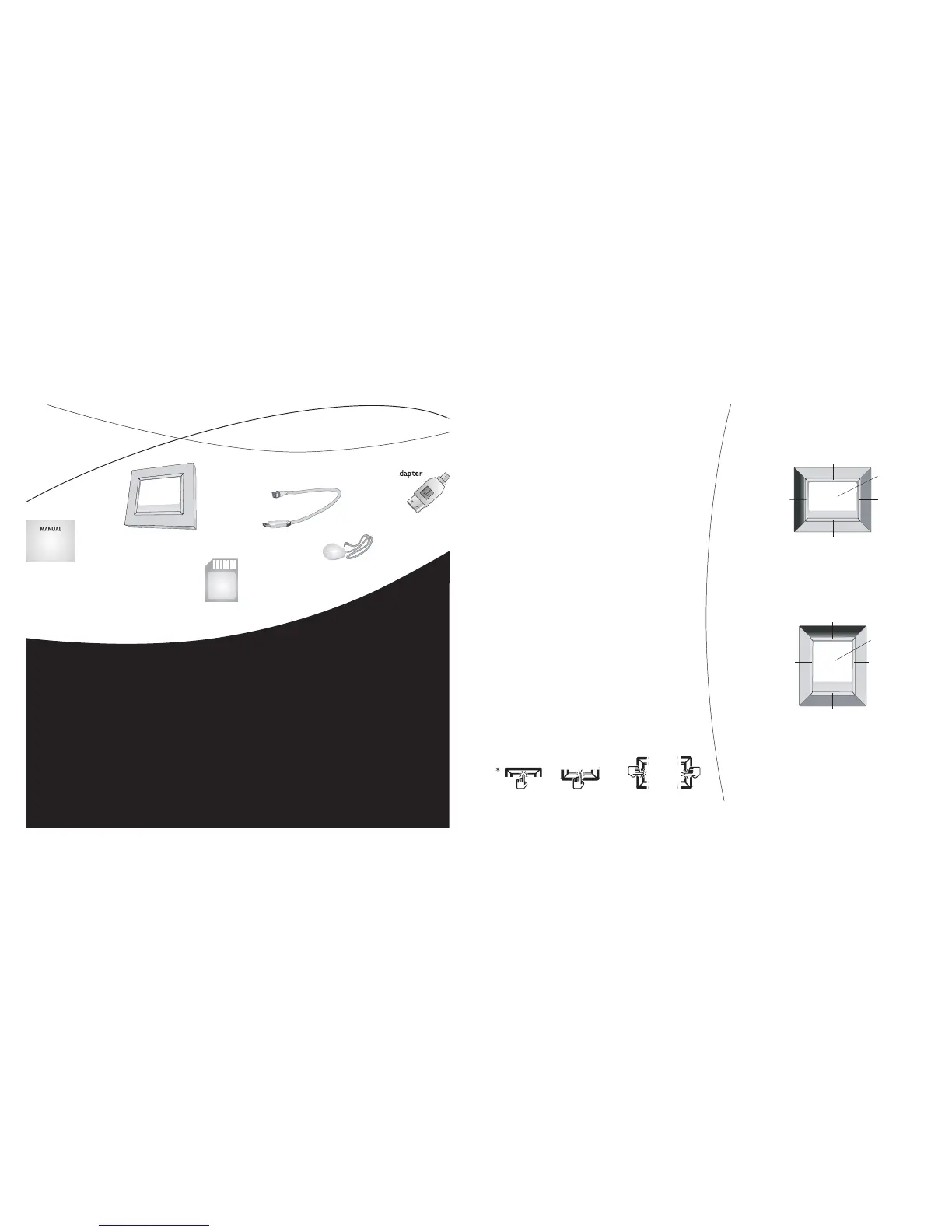
You interact with your frame by
simply touching the metal matting on
the sides of your frame’s screen. e
on screen display on your screen will
guide you on which side of the matting to
touch. For your convenience, we’ll refer
to the sides as top matting, bottom
matting, left matting and right matting*.
With your frame, you can view
your photos how you wish. You can
rotate a photo, change the color, and
alter how the photos are displayed.
Your frame remembers the changes you
make, so you only need change it once.
e top matting will always be
the top, whether you stand your frame
horizontally or vertically.
AC/DC Power Jack
Card Door
Latch
SD/MMC/MS/xD
Memory Card Slo
CF Memory Card Slot
Storage SD Car
d
USB Port
Reset Button
Right MattingLeft Matting
Scree
n
Top Matting
Bottom Matting
Screen
Top Matting
Bottom Mattin
g
Right MattingLeft Matting
AC/DC Power Jack
Card Door
Latch
SD/MMC/MS/xD
Memory Card Slo
CF Memory Card Slot
Storage SD Car
d
USB Port
Reset Button
Right MattingLeft Matting
Scree
n
Top Matting
Bottom Matting
Screen
Top Matting
Bottom Mattin
g
Right MattingLeft Matting
INTRODUCTION 3
TURNING ON YOUR FRAME 4
COPY PHOTOS TO YOUR FRAME 4
PLAY YOUR PICTURE SHOW 5
ROTATE A PHOTO 6
REMOVE A PHOTO FROM YOUR FRAME 6
LOCK A PHOTO IN YOUR FRAME 6
CHOOSE WHICH PHOTOS TO SHOW 7
CHANGE YOUR FRAME’S ADVANCE SETTINGS 9
TURN OFF YOUR FRAME 13
ADD SPACE TO YOUR FRAME 13
GETTING HELP 14
IMPORTANT INFORMATION 15
APPENDIX INSIDE BACK COVER
contents


 To Next Page
 Loading...