
 Need help?
Do you have a question about the CAHORS Digital TVS 8100 and is the answer not in the manual?
Details the rear panel connectors and ports for satellite, TV, and audio outputs.
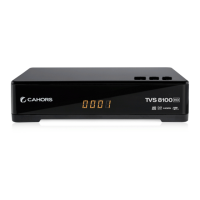
Details the front panel buttons, display, and USB port.
Sets up satellite dish parameters like LNB type, DiSEqC, and motor settings.
Configures motor settings for satellite dish alignment.
Searches for available channels automatically.
Selects auto or manual for GMT offset adjustments.
Allows modification of the default password.
Enables locking, skipping, favoriting, moving, or deleting channels.
 General
| EPG | Yes |
|---|---|
| Subtitles | Yes |
| Teletext | Yes |
| USB | Yes |
| Connectors | SCART, RCA |
| Video Formats | MPEG-2, MPEG-4 |
| Output | SCART, RCA |

 To Next Page