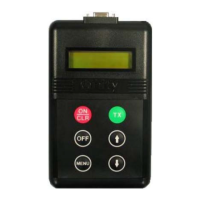
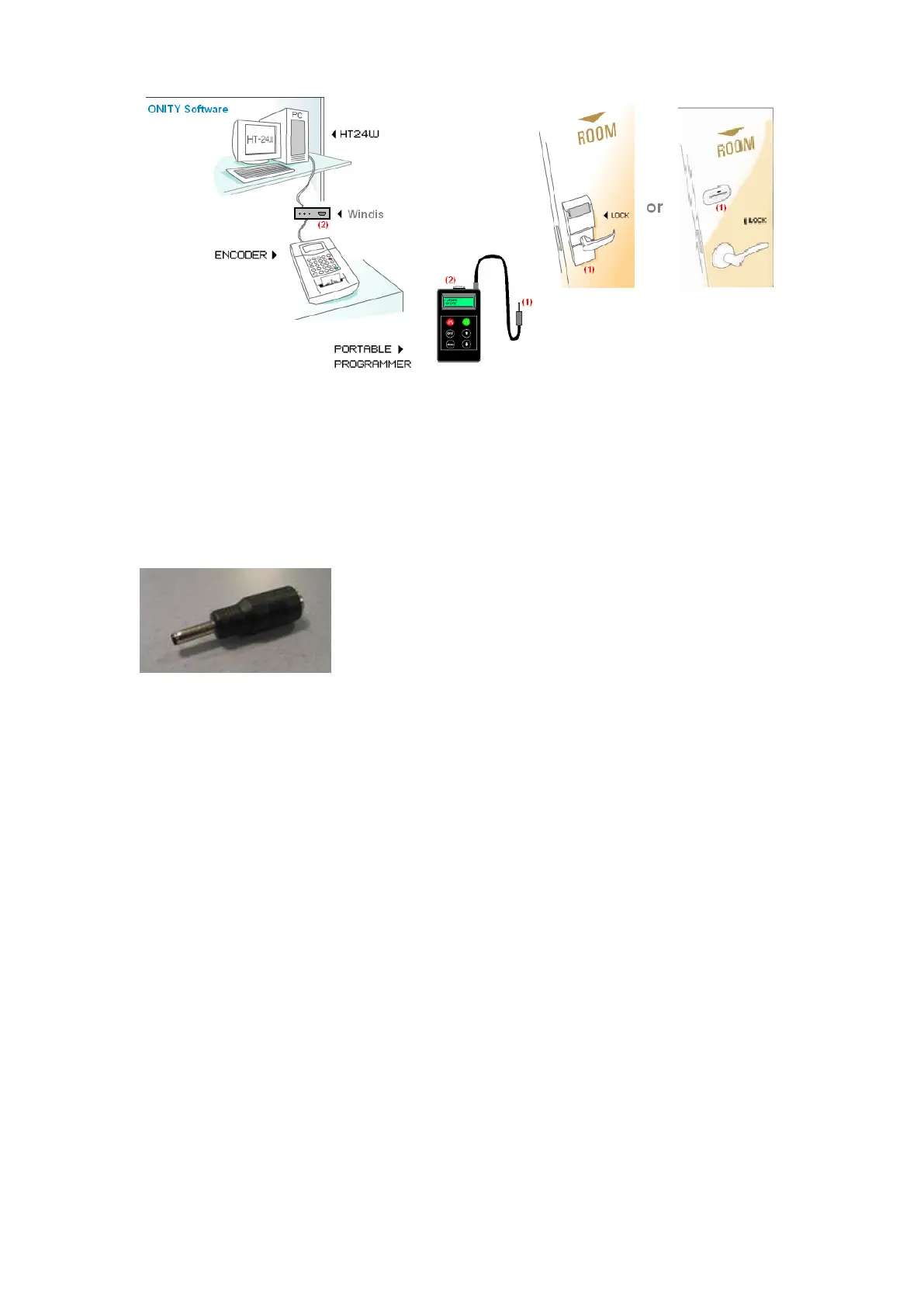
3.1 With the locks
The connection between the PP and the locks is done with the “Jack” connector. The
connection is done by inserting it into the connector of the lock placed in its bottom, for
HT Locks or the bottom of the Reader Part in an Advance Lock.
To use the PP with an Advance Lock a “jack adapter “ is necessary. See picture below:
3.2 With the computer program
The connection with the computer program (trough Win distributor) is done with the nine
pins connector (DB9) of the PP. It can be done in two ways:
1- Trough the card encoder (HT22 system)
With the connector cable HTCOM (CB22485). The cable must be connected to the
HTCOM DB9 female connector of the HT22 and DB9 female connector of the PP.
2- Trough the Win Distributor (HT24/28w system).
Using the same cable as above, connect the DB9 female connector called PP of the
Win Distributor and the DB9 female connector of the PP.
4. OPERATION
The portable programmer has a program with five options. These options can be
selected with the MENU button. The five options of the PP are the following:
1. UPDATE
Updates the codes and timetables of the locks.
2. READ OPENINGS


 To Next Page
 Loading...