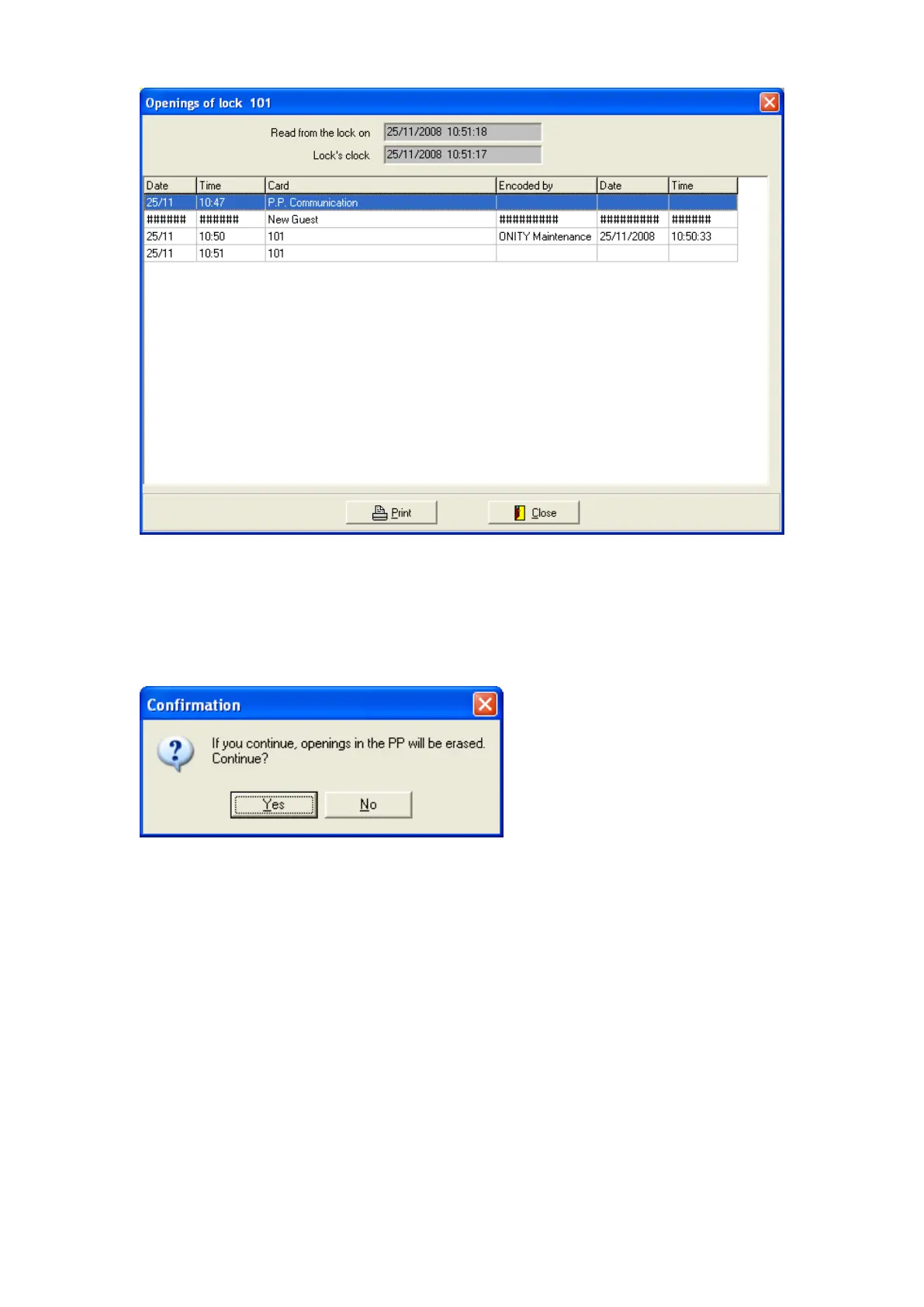
Then the information can be printed to a file or printer.
6.- If the option selected is <LOAD> a screen will appear asking if the Openings
Recorded in the PP would be erased.
If there is need to keep the openings in the PP press <NO> and if you want to Load the
PP with the locking plan press <YES>
7. The screen will show several options is <YES> is selected:


 To Next Page