14
CalDigit
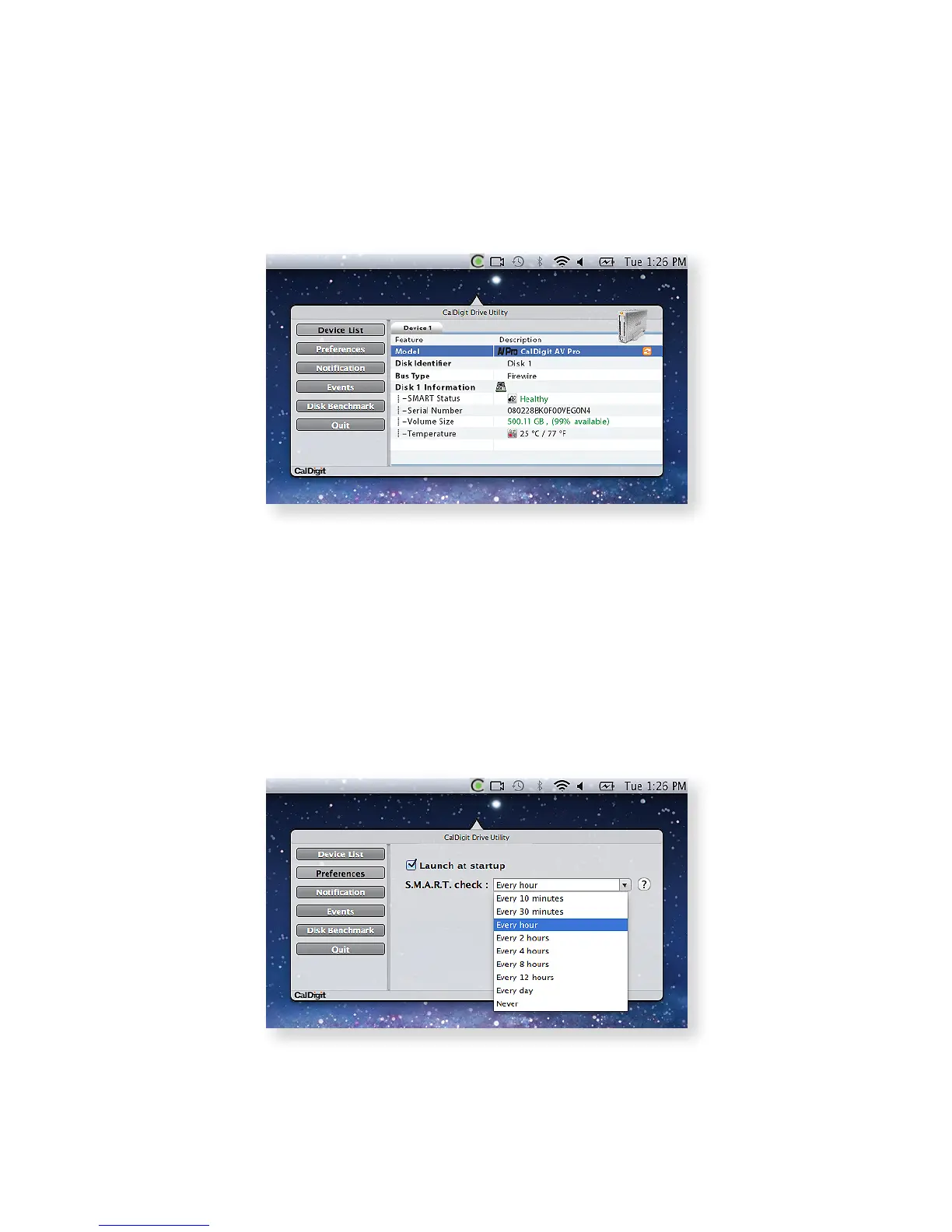
Device List
This section of the software gives you detailed information for each of the CalDigit devices
connected to your computer.
1 .
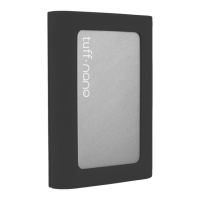
Preferences
This section allows you to turn smart polling on or o, which automatically checks the status
of your AV Pro. Furthermore, you can select whether you want the utility to open automatically
when you log in to your computer, and at what intervals it will check the status of your drives.
2 .



 To Next Page