7
Formatting the
Tu nano Plus for
Windows OS
WARNING
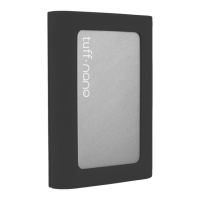
The CalDigit Tu nano Plus is pre-formatted for Mac OS X and ready to work.
Windows users please re-format your Tu nano Plus for use with Windows OS.
Before re-formatting your Tu nano Plus please back-up any data on the Tu
nano Plus onto another drive. Re-formatting a drive will delete all data on the
drive. Only proceed if you have backed-up.
Connect the Tu nano Plus to your Windows computer with the
appropriate cable.
Open Disk Management (Control Panel - Administrative Tools - Computer
Management - Disk Management).
Find the Tu nano Plus that you want to format in the list of drives. Right
click on the “Disk Number” and select “Properties”.
In Disk Management, right click on the partition that was previously
formatted for Mac and select “Delete Volume...”.
On the pop-up window click “YES” to delete the Mac partition.
1.
2.
3.
4.
5.


 To Next Page