8
When the disk comes online, right click on the “Unallocated” area and select
“New Simple Volume”.
The “New Simple Volume Wizard” pop-up window will appear. Follow the
simple on-screen instructions to nish formatting your Tu nano Plus.
The Tu nano Plus will mount on your Windows computer.
6.
7.
8.
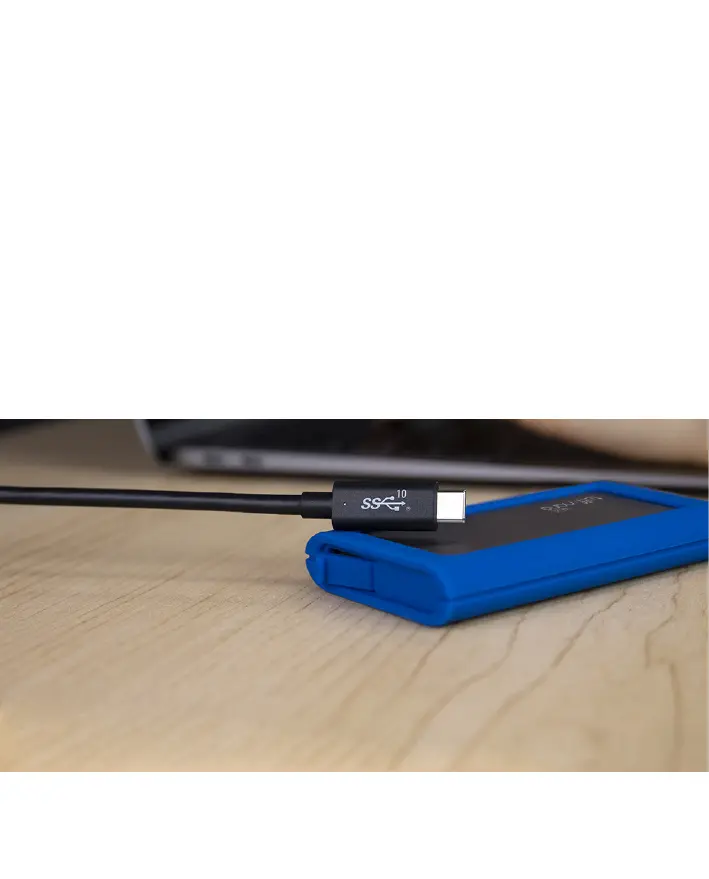
Note: USB-C and Thunderbolt™ 3 users must use the supplied USB-C cable,
a certied USB-C cable (10Gb/s) or a Passive Thunderbolt™ 3 cable or a
Thunderbolt™ 4 cable.
Need help setting up your Tu nano Plus? Email support@caldigit.com.


 To Next Page