8
2. Using the Tu
Turn on the computer and make sure you are logged into the OS.1.
The CalDigit Tu is pre-formatted for Mac OS X and ready to work.
Windows users please re-format your Tu for use with Windows OS.
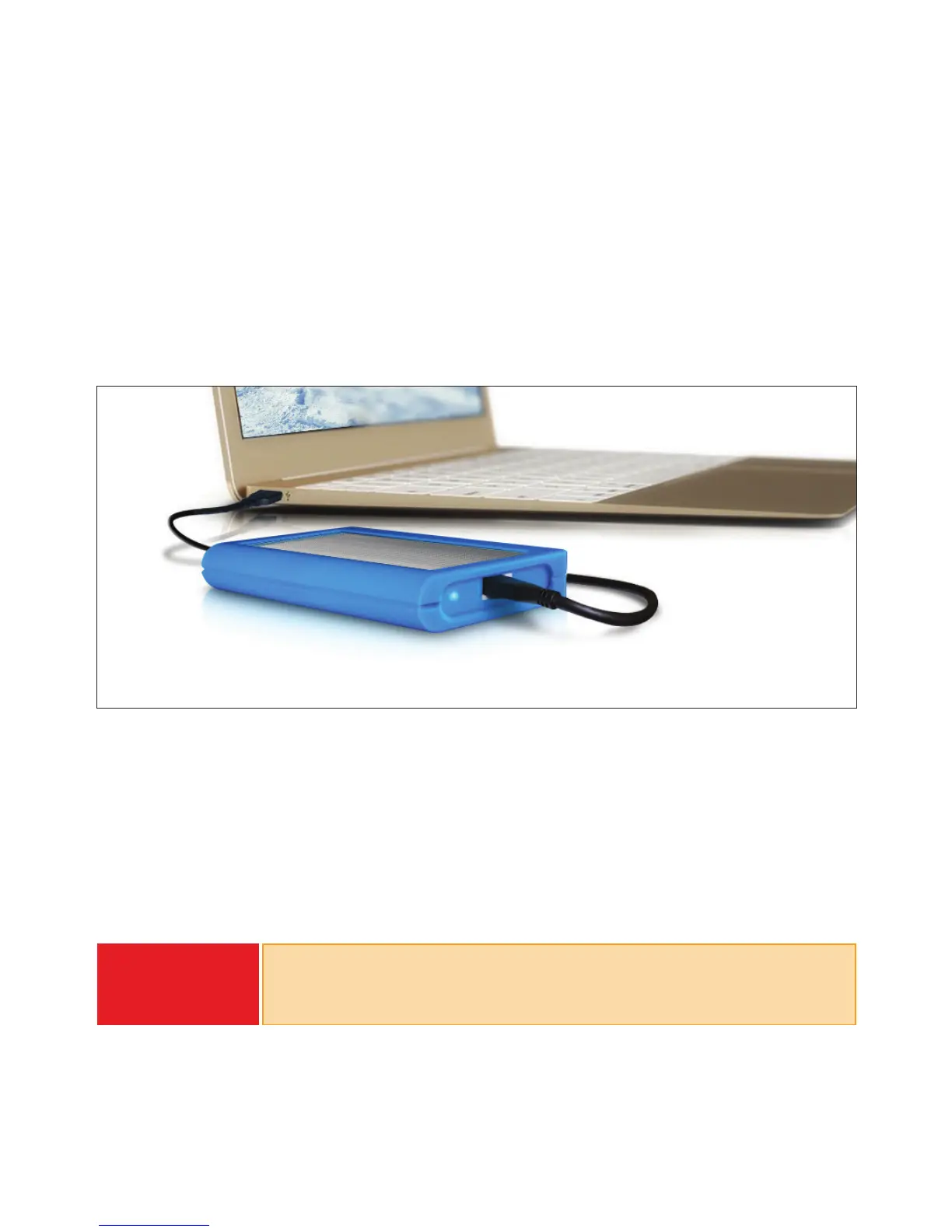
Connect either the USB-C or USB-C to A cable to the Tu and the computer.2.
The Tu will mount on the computer.2.
Connecting the Tu for Mac OS
Formatting the Tu for Windows OS
WARNING
Before re-formatting your Tu please back-up any data on the Tu onto
another drive. Re-formatting a drive will delete all data on the drive.
Only proceed if you have backed-up.



 To Next Page