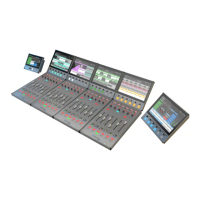
TYPE R
CONTENTS
Start Up Guide 5
Getting Started 6
Checklist 6
1. Power up the Core and connect a PC 7
2. Access the basic Core configuration 8
3. Install a Software Upgrade Licence key (Optional) 9
4. Configure the Core for Surface Panels 10
5. Configure Network Switches & Devices 11
6. Configure Surface panels ID, IP addresses & Subnet masks 13
7. Connect Surface Switch & Surface Panels to the Core 14
8. Access Assist setup and create a new show 15
9. Connect to Assist from the Studio or Management subnets 16
10. Upload control layouts to the soft panels 18
11. Create layouts with Type R Soft Panel Designer 18
12 Update System Software & AoIP Devices Firmware 19
13. Configure AoIP Port & Connect server IP addresses 19
14. Connect Audio Switch and AoIP Ports to the Core 21
Surface Panels - Suggested Settings 24
AoIP Network Interfaces - Suggested Settings 26
About Type R manuals 27


 To Next Page
 Loading...