Calsense
8 CS3000 Quick Start Guide
Measuring Flow
1. From the Main Menu, use ↓ to navigate to POCs and press SELECT. The POCs menu displays.
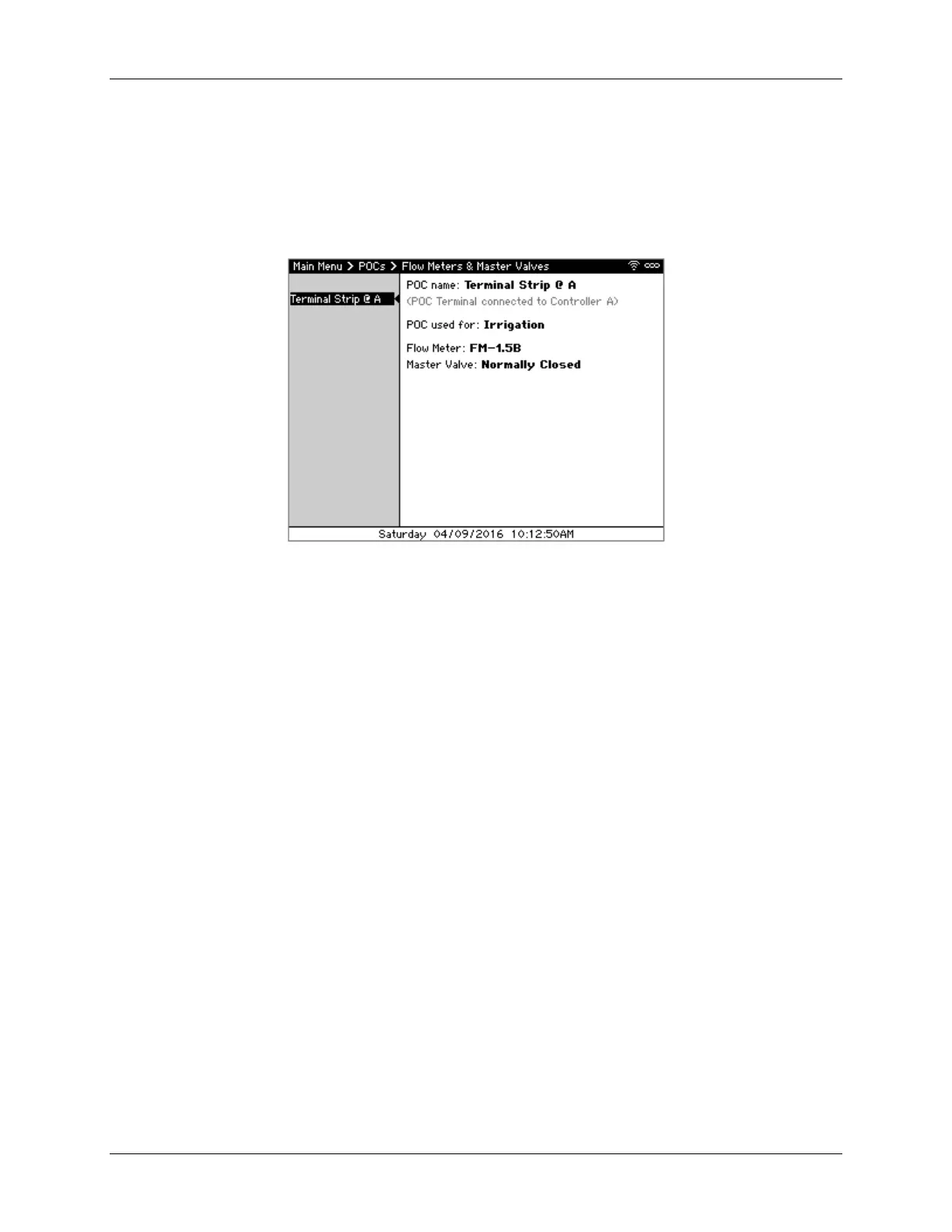
2. Navigate to Flow Meters & Master Valves and press SELECT. The Flow Meter & Master Valves
screen displays (Figure 9). The pane on the left displays the POCs attached to this controller
while the right shows the settings for each.
Figure 9 - Flow Meters & Master Valves screen
3. Press SELECT to enter the right side to adjust the schedule.
4. Use ←↑→↓ to navigate through the screen and +/– to change values, setting the following
values:
POC used for – Either Irrigation, Non-Irrigation, or Not Used. If there is no flow meter or
master valve connected to this POC, select Not Used.
Flow Meter – The flow meter type. This can be either a Calsense FM series flow meter,
such as an FM-1.5B, an insertion-style flow meter (model FMBX), or a hydrometer.
Master Valve – The master valve type, either Normally Open or Normally Closed.
5. Press NEXT to move to the next POC and repeat step 4 to set each POC’s settings.
6. Once done, press BACK to return to the Main Menu.
Manually Watering a Station
1. From the Main Menu, use ↓ to navigate to Manual & Test and press SELECT. The Manual &
Test menu displays.



 To Next Page