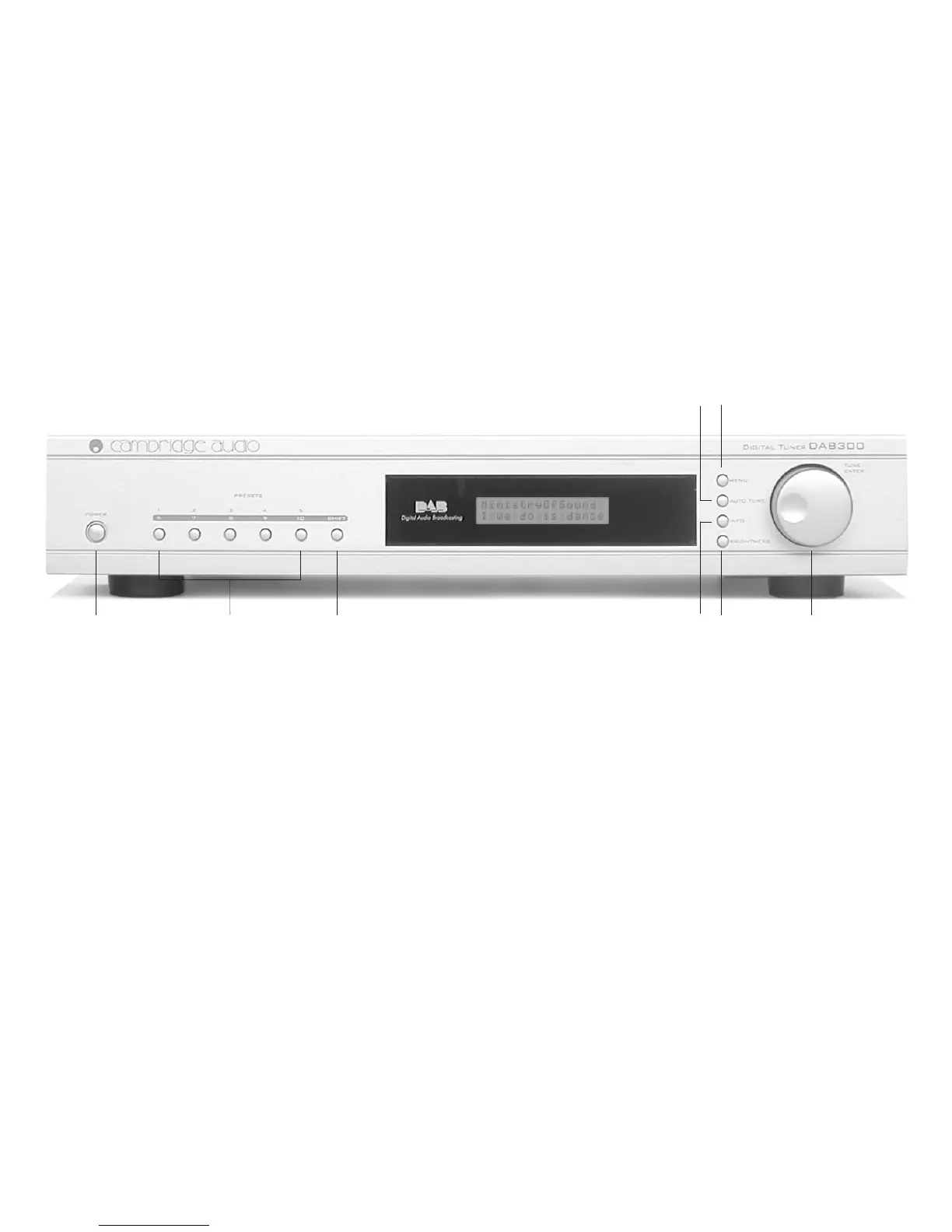
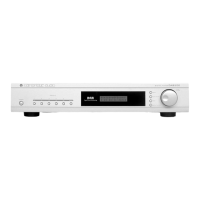
CONTROLS
4
1
2
3
7 6 8
54
DAB300
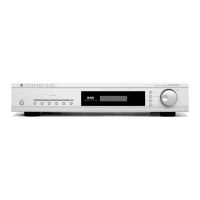
FRONT PANEL CONTROLS
1. POWER SWITCH
Press this button to turn the power on and press again to turn the
power off.
2. PRESET BUTTONS
Use these buttons to store and recall favourite stations.
3. SHIFT BUTTON
Use this button to access presets six to ten.
4. MENU BUTTON
Use this button to select the function of the tune/enter dial.
5. AUTO TUNE BUTTON
Use this button to Initiate a search for available stations after
adjusting the aerial.
6. BRIGHTNESS BUTTON
Use this button to toggle between normal brightness and dimmed
display.
7. INFO BUTTON
Use this button to change the display to show either scrolling text,
program type, time and date, technical information, signal data rate
or signal error rate.
8. TUNE / ENTER DIAL
Use this dial to scroll through stations or menu items. Push in to
make a selection.


 To Next Page