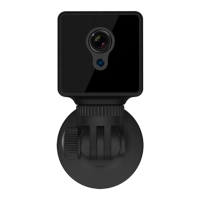
▪ After finish, the Red indicator on the back of the camera flashes slowly and the camera turns into the IP
Connection Mode
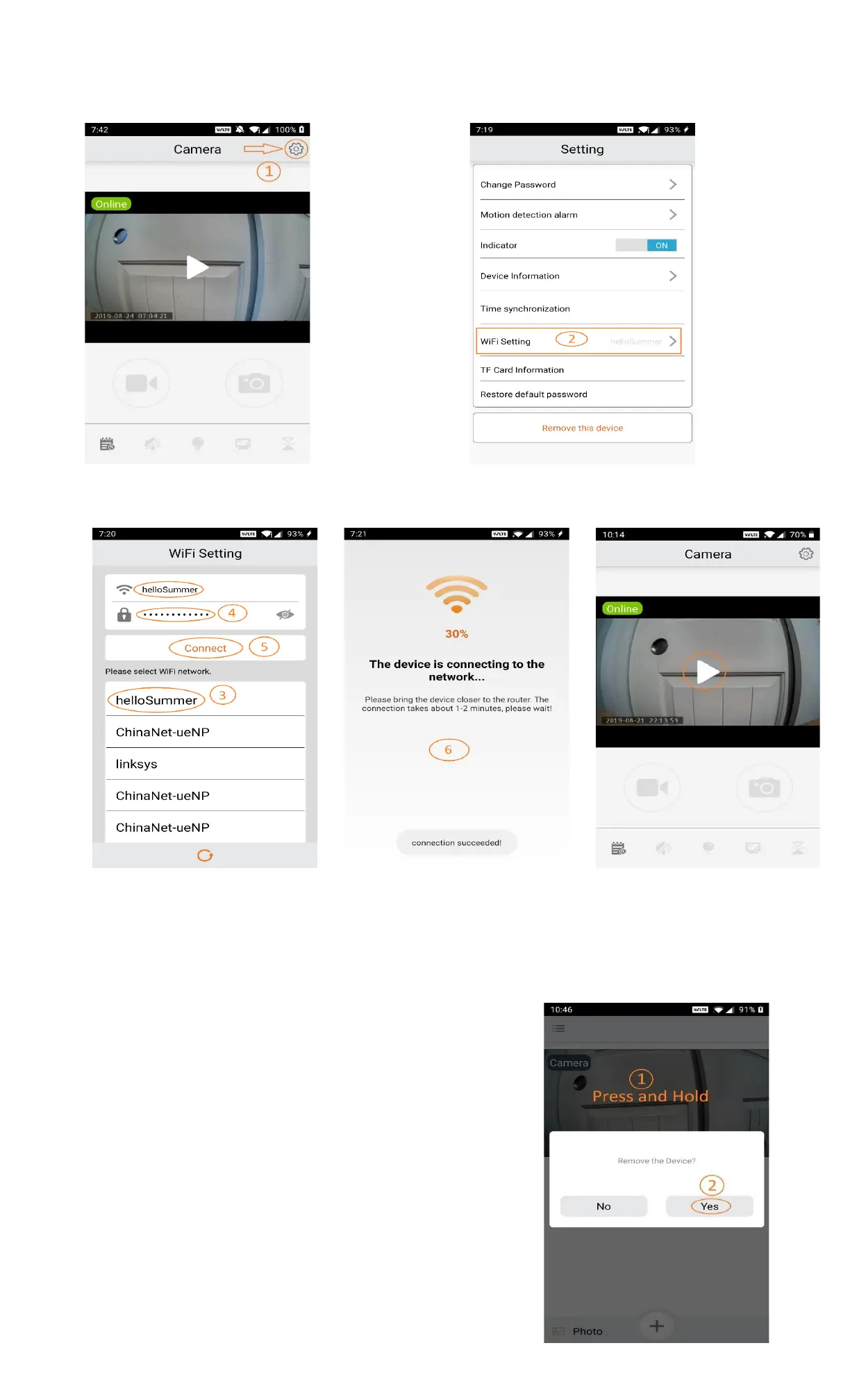
▪ To start viewing the camera, tap on the camera area (P4.1.5)
4.2 IP Connection Mode → AP Connection Mode
If the camera is operating in the IP Connection Mode, you can switch it to the AP Connection Mode by follow
the steps below.
▪ Long press the Mode button on top of the camera
until the Red indicator light turns off and the Blue
indicator light turns on
▪ Open the iCookyCam app on your mobile device
▪ In the main Camera window, press and hold on the
camera area until seeing the “Remove the Device?”
popup window. Select Yes to remove the camera
(P4.2.1)
▪ From here, refer back to Part 2 Setup AP Connection
Mode to setup the AP Connection Mode of the
camera


 To Next Page
 Loading...