13
DEUTSCH ENGLISH
DMX
FRANCAIS
ESPAÑOLITALIANO POLSKI
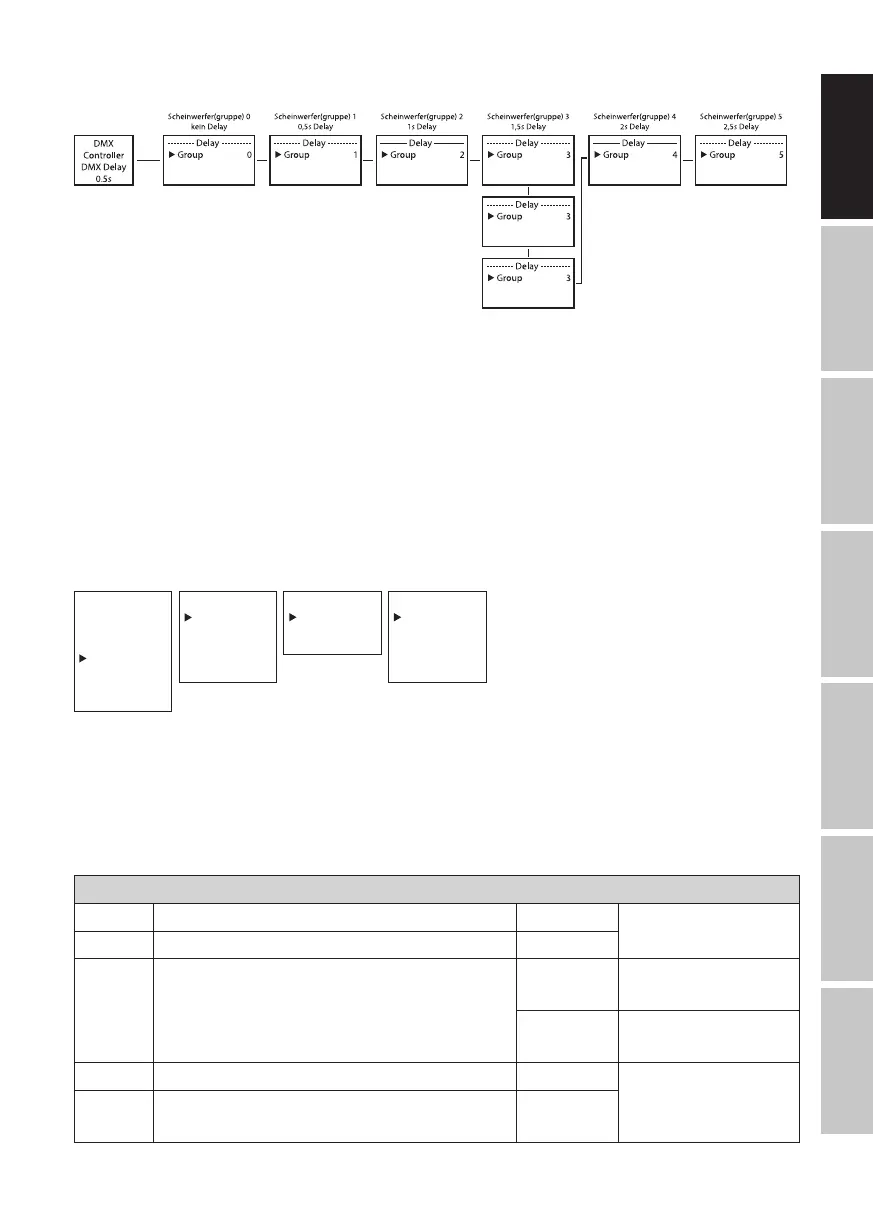
Setup example:
AUTO / SOUND STAND-ALONE MODE
The 6 available Auto programs each consist of preprogrammed color change sequences; bright-
ness, operating speed, music control with microphone sensitivity, and delay (signal delay) are
configured separately for each program.
Starting from the main display, press MODE to go to the main menu. Using UP and DOWN, now
select the Stand Alone menu option and press ENTER to confirm. Use UP and DOWN again to
select the Auto stand-alone mode and press ENTER to confirm your selection. Now use UP and
DOWN to select the desired program (Program 1 to Program 6) and press ENTER to confirm your
selection.
--------Menu-------
DMX Address
DMX Mode
DMX Delay
Stand Alone
Slave
Settings
System Info
----Stand Alone----
Auto
Static
Color Preset
User Color
Loop
-----Program x-----
Dimmer
Speed
Sound
Sens
Delay
----Auto Mode----
Program 1
|
Program 6
0–100
0–100
Off/On
0–100
0.0 s–2.0 s
This will take you to the submenu for setting the submenu items (see table, select with UP and
DOWN, confirm with ENTER, change value or status with UP and DOWN, confirm with ENTER).
The settings for each programme are made separately and are retained even after restarting the
device.
STANDALONE MODE AUTO/SOUND (PROGRAMME 1 to PROGRAMME 6)
Dimmer Sets brightness 0–100
Speed Sets running speed 0–100
Sound Activates/deactivates music-control
Off
Deactivates
music-control
On
Activates
music-control
Sens Sets microphone sensitivity 0–100
Delay Delay time for slave groups
0.0 s to
2.0 s


 To Next Page