16
DEUTSCHENGLISH
DMX
ITALIANO
POLSKI
ESPAÑOL
FRANCAIS
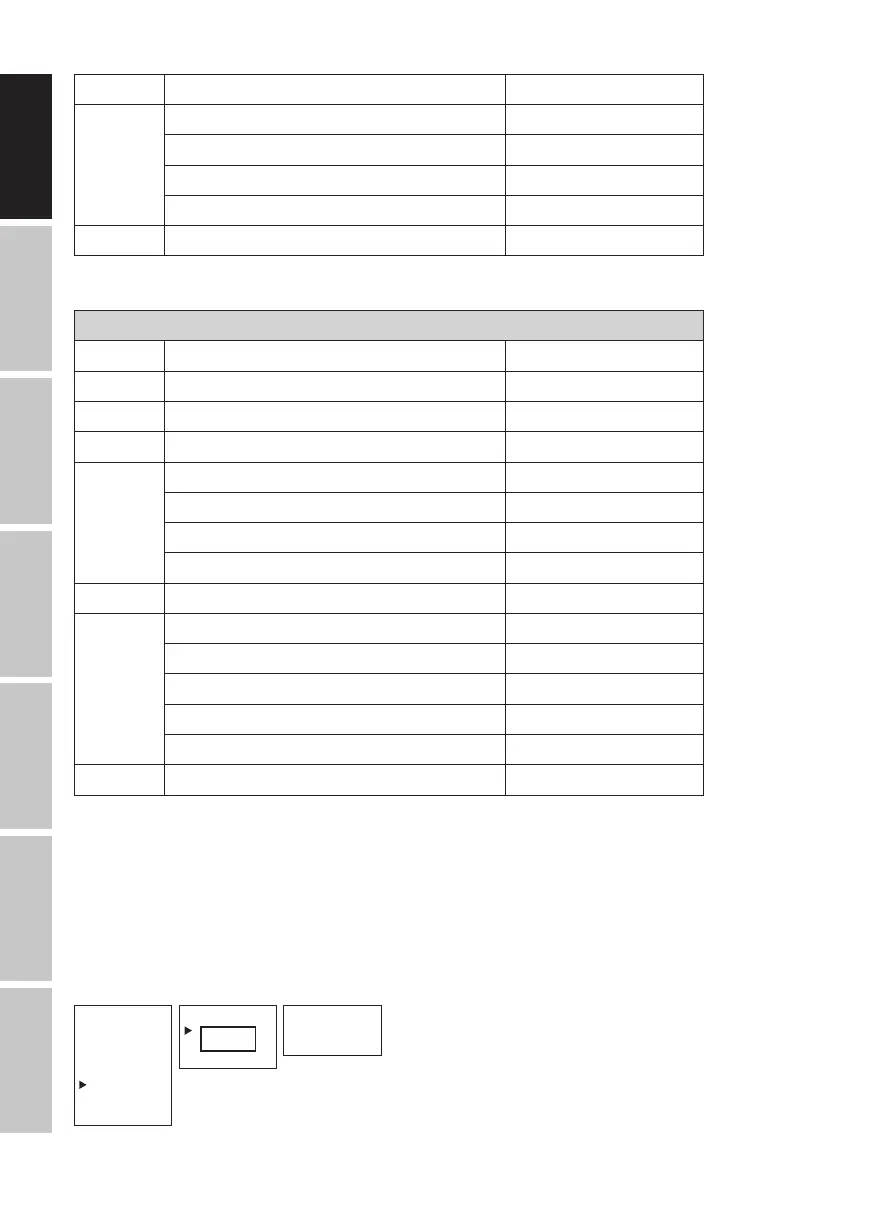
2nd step " "
3rd step 15 colors from Color Preset Red to CW (Cold White)
4 colors from User Color User 1 to User 4
Blackout Blackout
------- Skip step
4th step " "
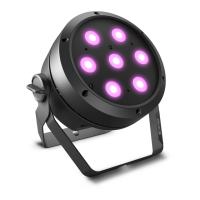
ROOTPAR6
STANDALONE MODE LOOP (Loop 1–4)
Dimmer Sets brightness 0–100
Step time Sets step time 0.1 s to 10.0 s
Fade time Sets fade time in percent 0% to 100%
Delay Delay time for slave groups 0.0 s to 2.0 s
1st step 15 colors from Color Preset Red to CW (Cold White)
4 colors from User Color User 1 to User 4
UV light UV
Blackout Blackout
2nd step " "
3rd step 15 colors from Color Preset Red to CW (Cold White)
4 colors from User Color User 1 to User 4
UV light UV
Blackout Blackout
------- Skip step
4th step " "
SLAVE MODE
Standard slave mode: Starting from the main display, press MODE to enter the main menu.
Now use UP and DOWN to select the menu item Slave, confirm with ENTER, select Slave Group
0 and again confirm with ENTER. Connect the slave and the master units (same model, same
software version) using a DMX cable, and enable one of the standalone modes on the master unit
(Auto, Static, Color Preset, User Color, Loop). The slave unit will now exactly follow the master unit.
--------Menu-------
DMX Address
DMX Mode
DMX Delay
Standalone
Slave
Settings
System Info
----Slave Group----
Standalone
Slave
Settings
Mode
Slave
0
Main display


 To Next Page