9
DEUTSCH ENGLISH
DMX
FRANCAIS
ESPAÑOLITALIANO POLSKI
MIC
5
6
7
11
8
9
10
10
10
10
12 12
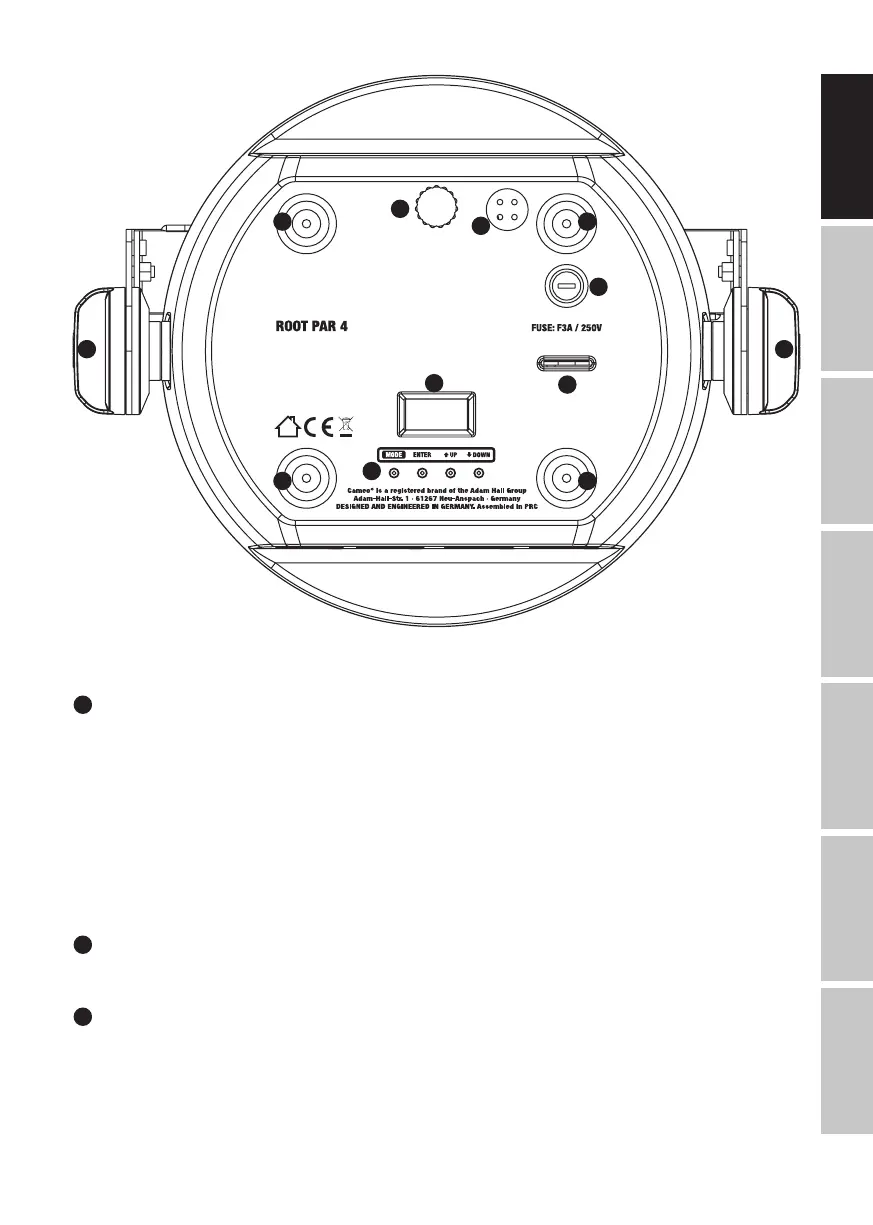
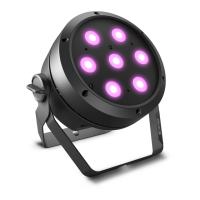
The CLROOTPAR4 and CLROOTPAR6 models feature identical connections, operating and display elements.
7
CONTROL BUTTONS
MODE – press MODE to access the selection menu. Press repeatedly to go back to the main
display. Pressing MODE without confirming a value or status change with ENTER restores the
previously confirmed value or status.
ENTER – press ENTER to access the menu levels, to make value changes, and to access the
submenus. Confirm value or status changes by pressing ENTER.
UP and DOWN – select individual menu items in the selection menu (DMX address, operating
mode etc.) and in the submenus. Allow changes to the value in a menu item, such as the DMX
address, as required.
8
MIC
Microphone for music-control mode.
9
TILT
Knurled screw for the TILT feature for uplighting. For a more discreet look, the installation double
bracket can be removed.


 To Next Page