17
Note: Make sure to watch your design while it works to ensure it is completed properly.
Note: Make sure to press the Emergency Stop button if a problem arises.
Flipping the design
• When working with dierent types of clothing (shirts, hats, sheets, etc.) you
may need to adjust the direction of your design in order for the design to face
the correct direction.
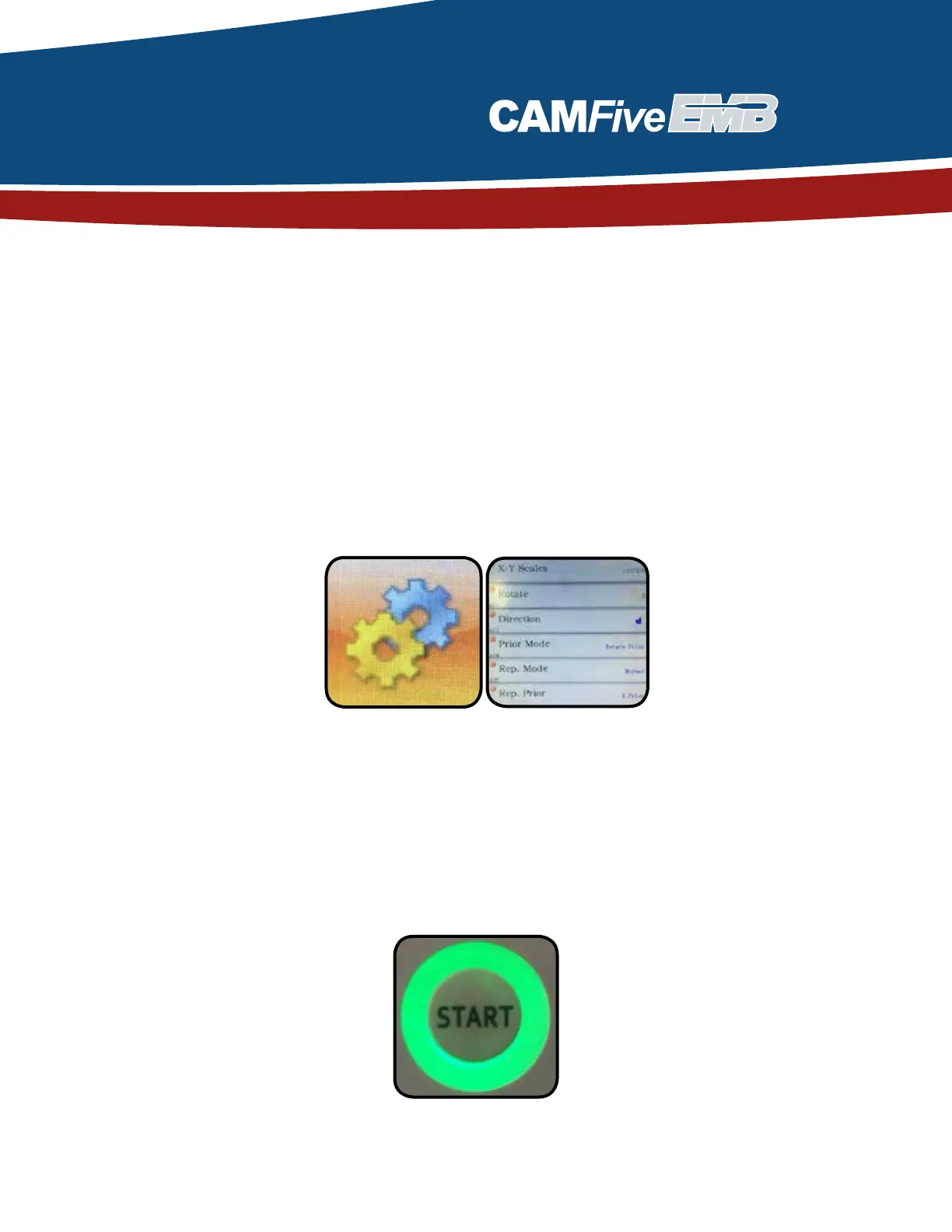
• To flip the design into the correct way, you must press the open machine
parameter button and here you are able to rotate or flip the design as needed.
Starting the design
• After ensuring the design space is enough to not damage the needles, and it
is facing the correct way you are now able to press the Start button to begin
your design.



 To Next Page