Camera Shutter Remote Control
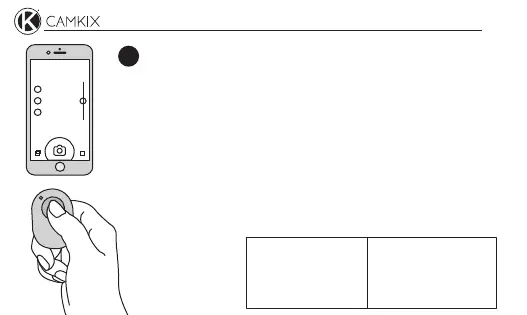
On your Android or iOS phone/tablet, activate the camera
app. Press the shutter button of the remote control to take
a picture.
3
Take a picture
If for some reason the camera app does not recognize the
shutter command of the remote control, install and use the
“Camera 360” app.
Camera 360
Battery type:
Wireless range:
Device name:
Coin/Button Cell
Up to 30 feet (10m)
CamKix Shutter
Specifications


 To Next Page