1. Prompt before use
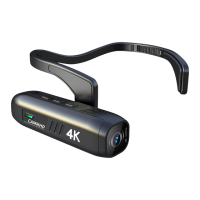
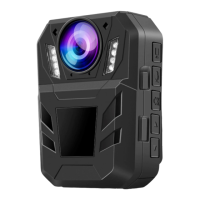
This is a camera with a built-in lithium battery.
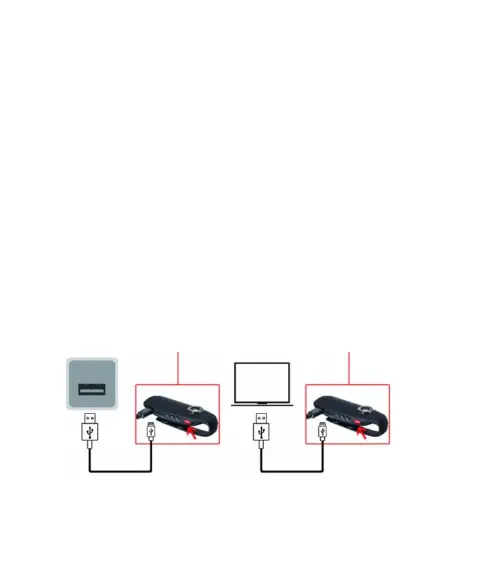
Before first use, charge the camera, about an hour.
Note:
Please use our company's data cable for charging first,
although other data cables can also be charged, you may
face a situation where the red light does not turn off after
the product is completely charge.
This product supports recording while charging.
Charging status: red light is always on
Fully charged state: red light is off.



 To Next Page