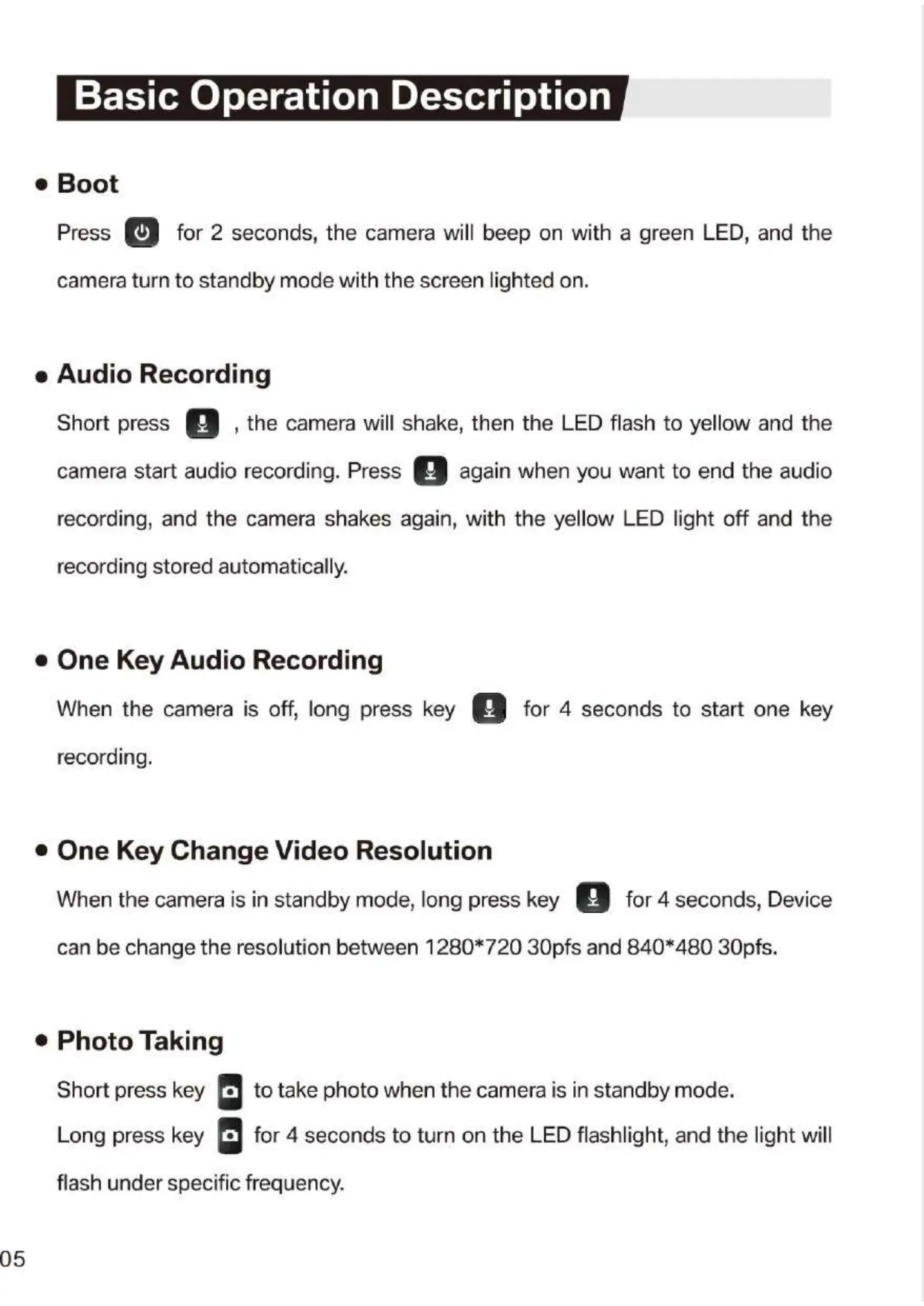
Basic Operation Description
Boot
Press for 2 seconds, the camera will beep on with a green LED, and the
camera turn to standby mode with the screen lighted on.
e Audio Recording
the camera will shake, then the LED flash to yellow and theShort press
again when you want to end the audiocamera start audio recording. Press
recording, and the camera shakes again, with the yellow LED light off and the
recording stored automatically.
• One Key Audio Recording
When the camera is off, long press key for 4 seconds to start one key
recording.
e One Key Change Video Resolution
o
When the camera is in standby mode, long press key for 4 seconds, Device
can be change the resolution between 1280* 720 30pfs and 840*480 30pfs.
e Photo Taking
Short press key
to take photo when the camera is in standby mode.
Long press key • for 4 seconds to turn on the LED flashlight, and the light will
flash under specific frequency.
05


 To Next Page
 Loading...