14
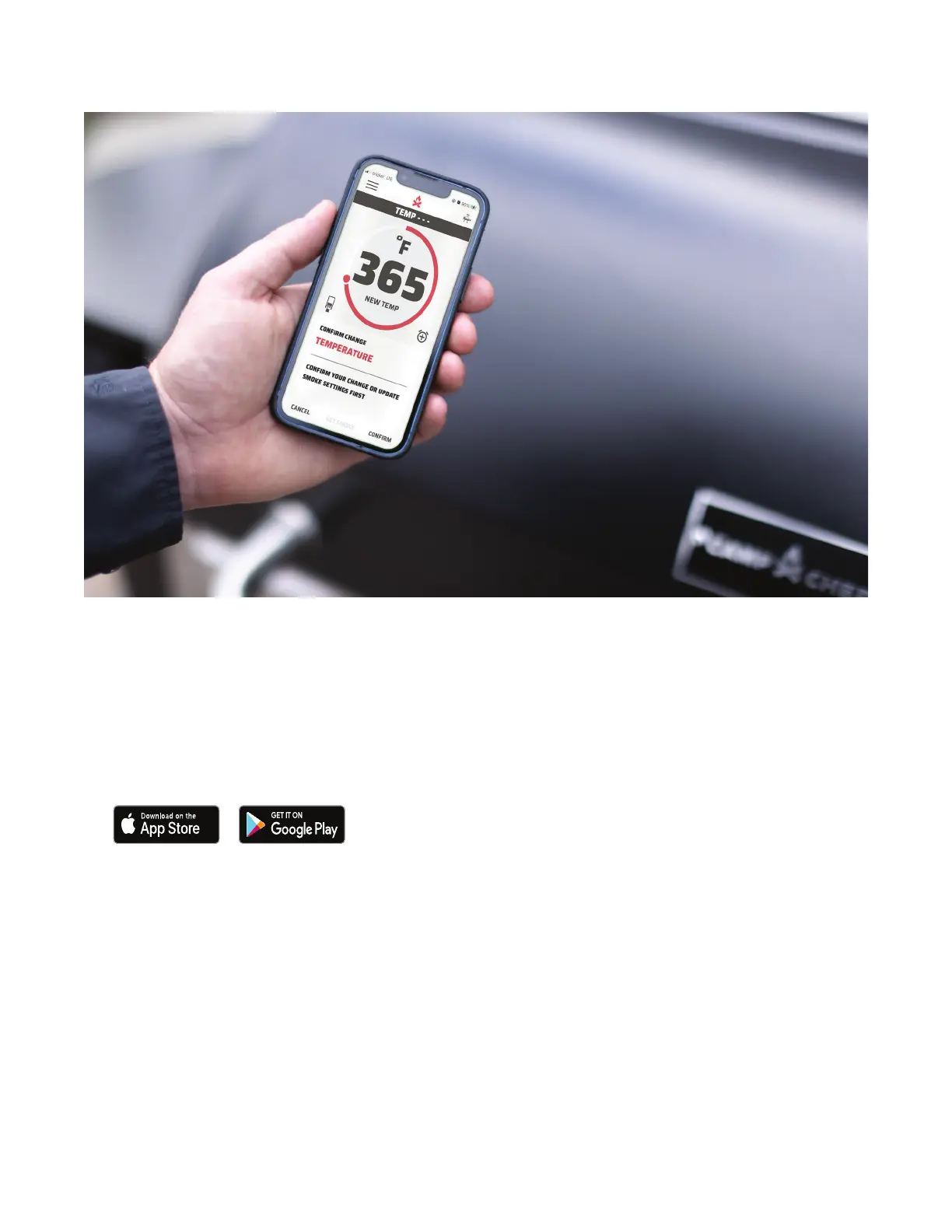
CAMP CHEF CONNECT APP
With our innovative PID and WIFI enabled controller, stay
connected to your grill using the Camp Chef app.
Getting started:
1. Download the Camp Chef Connect app from the Apple
app store or Android Play store.
2. Allow for notifications. Certain features, like the pellet
sensor, are only available on the app.
3. Turn the grill controller on using the main power switch on
the controller.
4. Open the Camp Chef Connect app and follow the setup
instructions for connecting the grill to your home 2.4GHz
WiFi network.
For safety reasons, you are only able to start the grill from
the controller and not through the app. If you attempt to
start the grill from the app, it will prompt you to start the grill
from the controller.
CAMP CHEF CONNECT APP


 To Next Page