9.Installation and use of the WIFI
Before using WIFI function, please install”XDV”APP program on the smart phone.
NOTE:Android smart phone need to download it on Google-Play, IOS smart phone
need to download in the Apple Store.
Connection procedure
a.After power on, press the up key,”WIFI message” appears on the screen, then
he WIFI light will flash;
b.In your smart phone or table’s Wi-Fi setting connect to the network called”Action
Cam”followed by series of numbers.
Enter the password”1234567890”.
c.Point and open”XDV’ APP program, you can preview the shooting screen on the
APP, remote video, camera, file playback /download /delete/share.
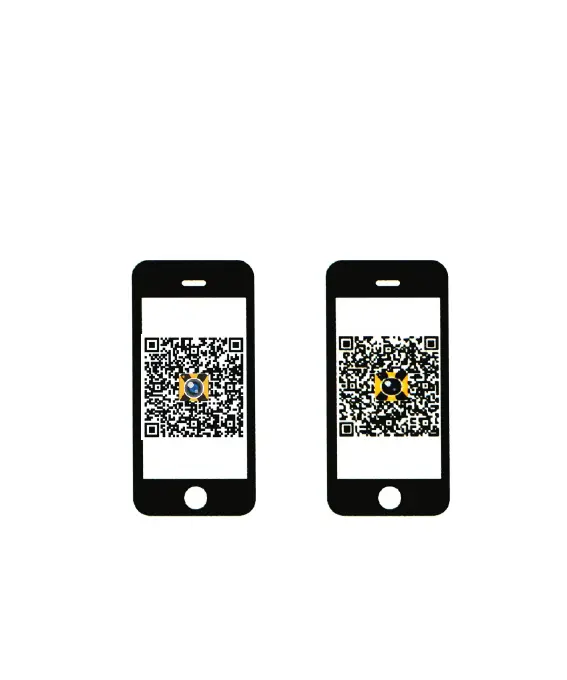
d.APP installation: the phone system requires Android 4.1 and above or IOS 7 or
more ,scanning “XDV”APP dimensional
Code, follow the prompts to complete the installation.
10.Software Upgrade
By App: firstly make sure the phone networking.open APP, after connecting the
camera, if the new version is available, It will be automatically prompted to upgrade.
Tip: when the poor operation of the product caused by the phenomenon of death,
removable battery should be re-installed .Then the machine returns to be normal.
8
For Android
For iOS



 To Next Page