Battery Charging and Installation
The battery and the camera are packaged separately, so please
make sure that the battery is charged with power, inserted into the
camera before turning the camera on.
A.Battery Charging
1. Please note the dual USB battery charger is not included in the
camera's accesories. You may need purchase one if you want.
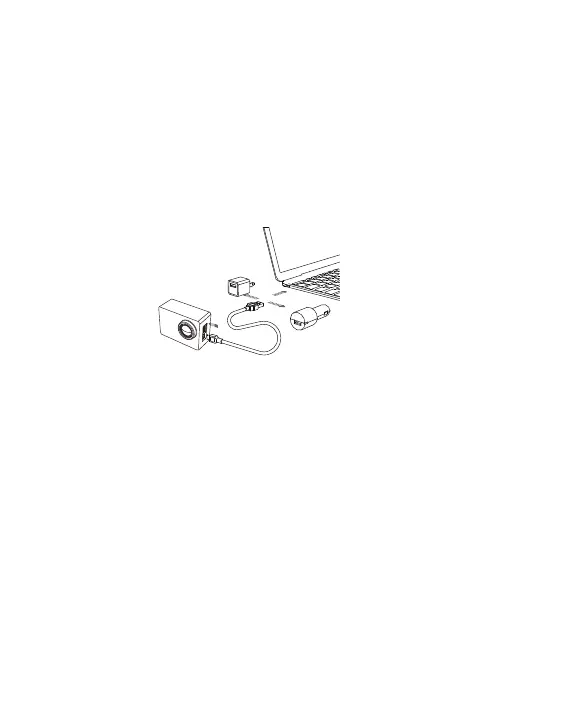
2. Connect the camera with USB cable, you can charge it with
a power adapter or computer. Charging with computer may be slower
than with a power adapter due to output of computer USB ports.
3. When the camera is charging, the charging indicator on the left of
main screen will lights red. It will disappear if the battery is fully
charged.
6



 To Next Page