Need help?
Do you have a question about the CamPro 1826 and is the answer not in the manual?
Lists the items included in the product package.
Detailed technical specifications of the body worn camera.
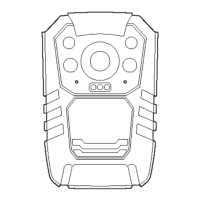
Visual identification and labeling of the device's external components.
Step-by-step instructions for basic device functions and controls.
Explains core functions like booting, recording, and taking photos.
Guides for single-press functions and changing video resolution.
Instructions for playing back files and navigating through them.
Accessing settings and confirming operations within the device menu.
Configuration options for recording, system behavior, and connectivity.
Adjustments for screen brightness, power saving, indicators, and audio feedback.
Functions of the reset button and various key combinations for operation.
Usage of the OK button for confirmation and laser pointer, plus walkie-talkie function.
Features for marking important files and classifying video content.
Keys for starting/stopping audio/video recording and taking photos.
Information on connecting the device to external displays and cameras.
Details on battery charging, device power, alarms, and power saving modes.
Instructions for downloading and installing the camera management software.
Guide to logging into the software and configuring system parameters.
Guidelines for product usage, warranty, and RMA service.
Details on how to fill out and use the warranty card.
 General
| Brand | CamPro |
|---|---|
| Model | 1826 |
| Category | Digital Camera |
| Language | English |

 To Next Page