Once you have made your desired changes use the Finish button to save
the changes. If you made any changes, you will be asked whether you want
to reboot or not; otherwise, you will be taken to the Raspbian command
line prompt.
Tip: You can run the Raspi-Config tool any time you like. To do so, type the
following at a Raspbian command line prompt:
sudo raspi-config
If you are at the Raspbian command line prompt and would like to load the
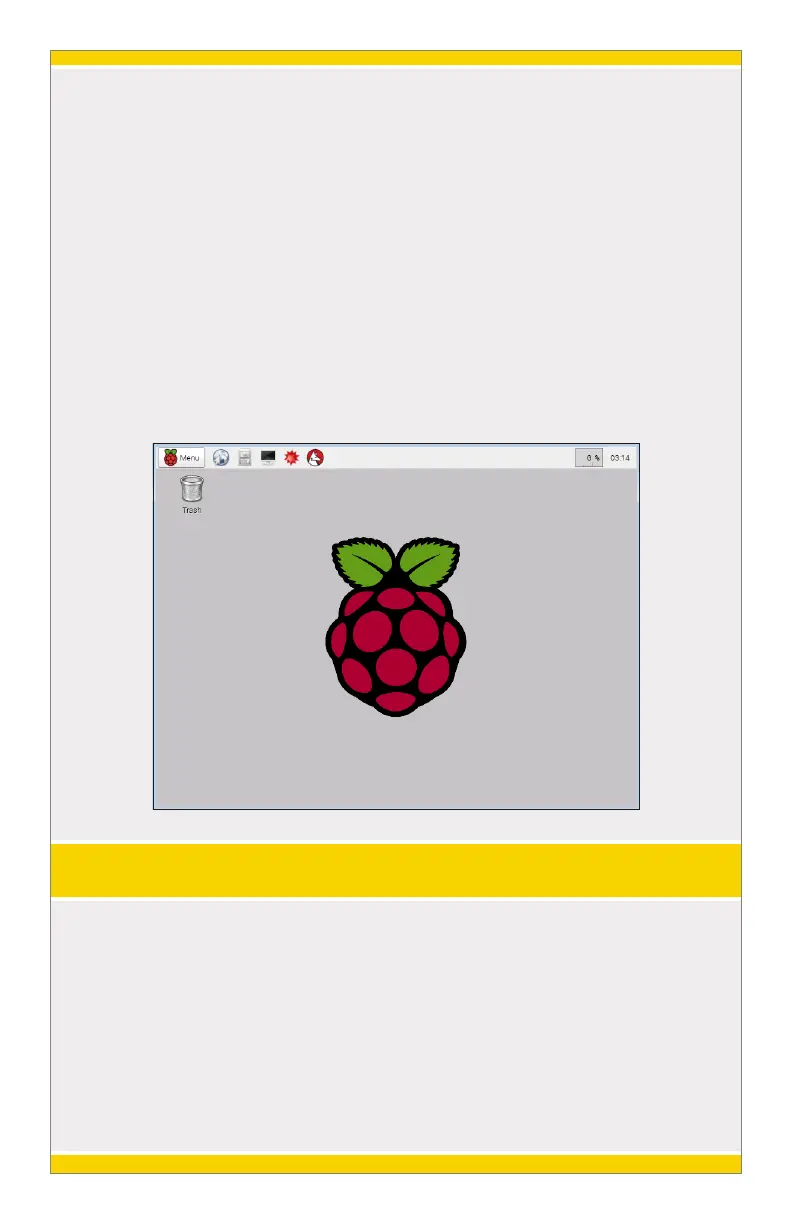
graphical desktop interface, simply type “startx” and press the Enter key.
6
SHUTTING DOWN THE RASPBERRY PI
The Raspberry Pi must be shutdown properly so that the MicroSD card File
System is not corrupted. To do so, type the following at a Raspbian
command line prompt:
sudo shutdown -h now
If you are in the graphical desktop, you can simply click “Menu” and then
select “Shutdown”.


 To Next Page
 Loading...