Using the boiling prompt control
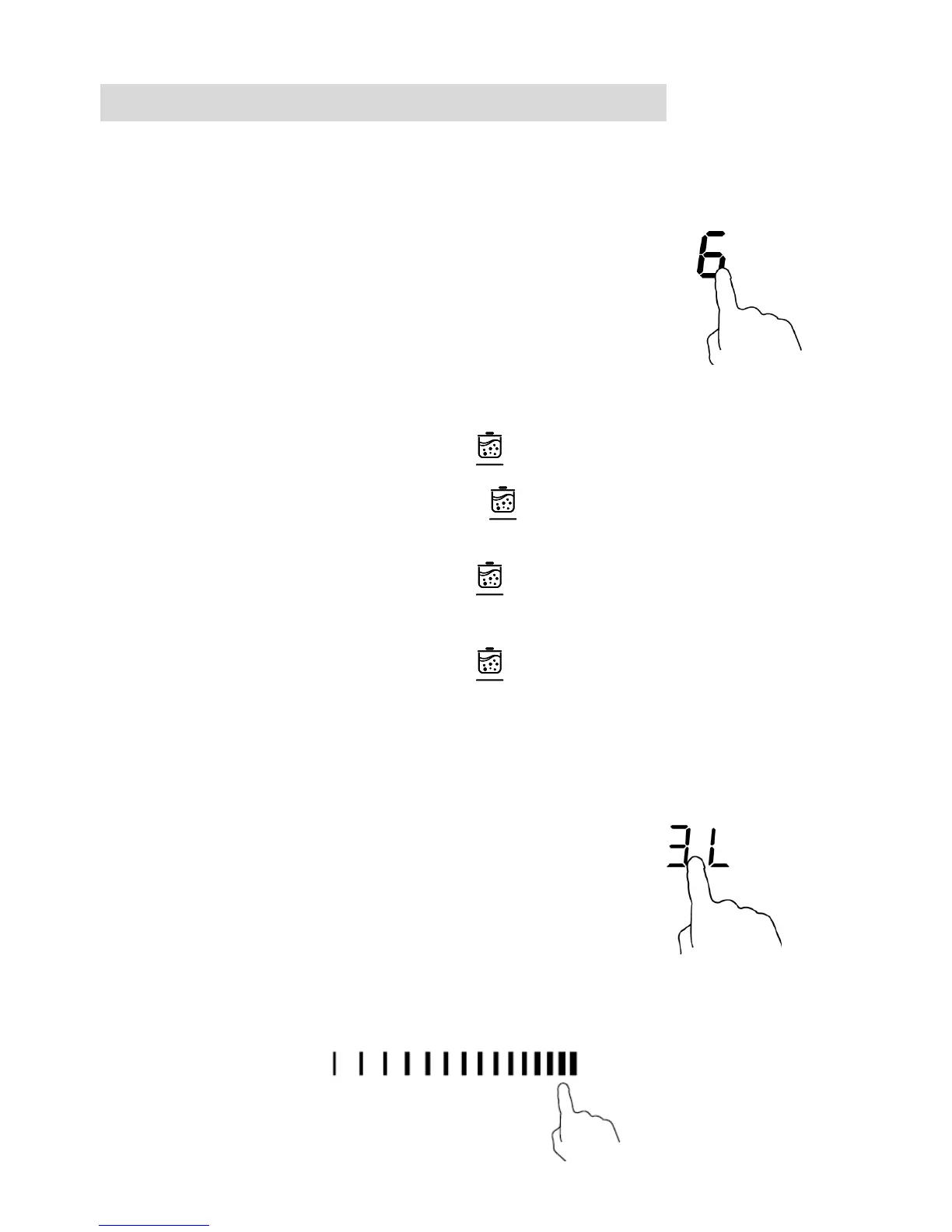
You can use the function to boil water and it will prompt when the water is
boiled.
Activate the boiling prompt function
1. Touching the heating zone selection control
2. Touching the boiling prompt control , the zone indicator show “2L” .
Touching the boiling prompt control again, the zone indicator show
“3L”.
Touching the boiling prompt control for the third time, the zone
indicator show “5L”.
Touching the boiling prompt control for the fourth time, the zone
indicator show “0”.
Cancel the boiling prompt function
1. Touching the heating zone selection control
2. a: Touching the slider control, then the cooking zone will revert to the level
you selected.


 To Next Page